

 In stock
Prusa Research · authorised UK reseller
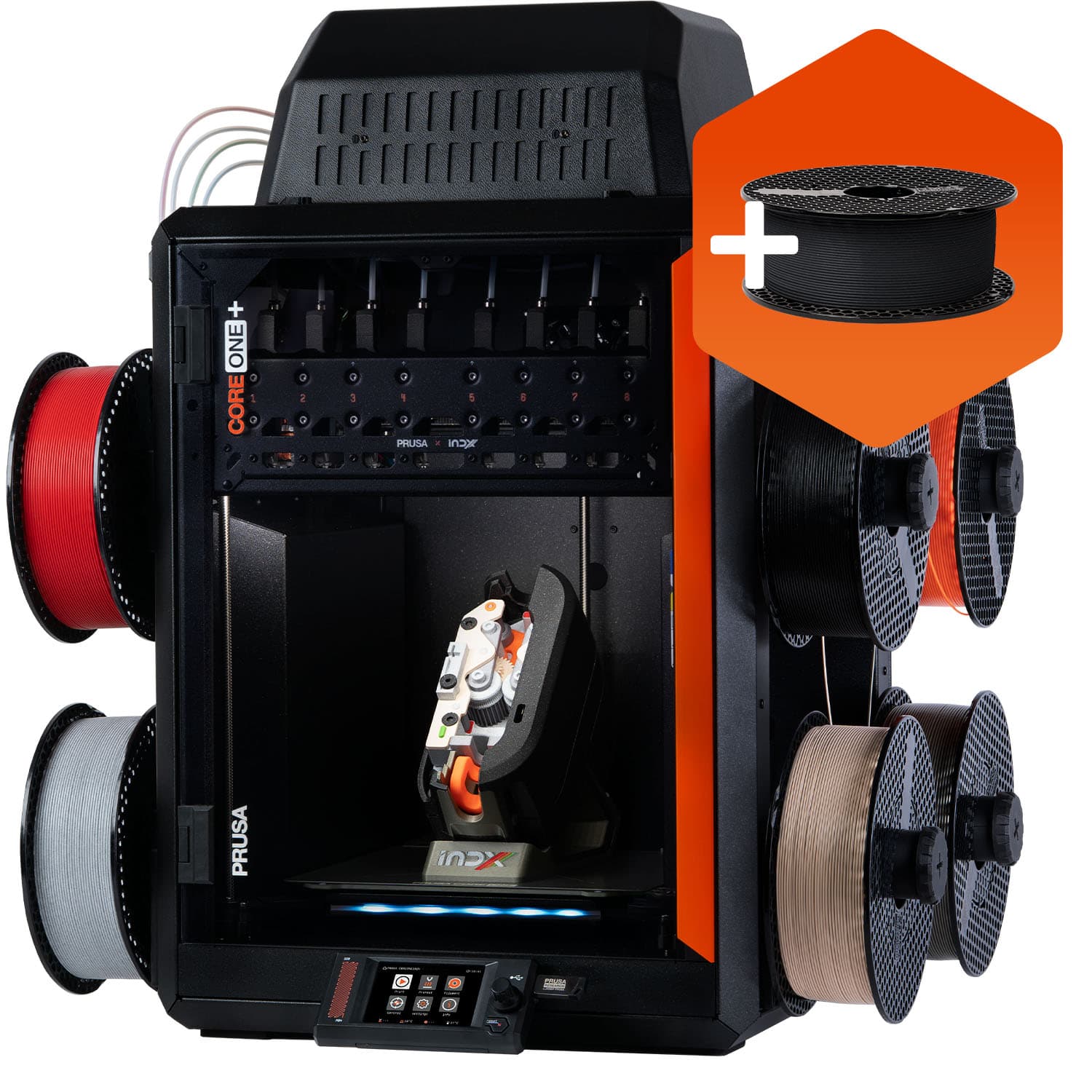
Prusa CORE One+ (Gen 2) INDX 8-Tool
 1 / 14
£2,039inc. VAT
SKU PRUSA-PRUSA-CORE-ONE-GEN-2-INDX-8-TO-Assembled
Contact us for availability and delivery information.
Make it yours
Choose your options. The price updates as you go.
1
55 °C
controlled chamber
13.7 L
build volume
300 °C
maximum nozzle temperature
FDM
printing technology
A closer look
Prusa CORE One+ (Gen 2) INDX 8-Tool · Product information from Prusa Research.
Explore product details (3)
CORE One+ INDX Specifications
True multi-tool capabilities inside a fully enclosed 3D printer.
248 x 205 x 270 mm print volume (13.7 liters)
27 cm tall prints
For Engineering Materials
55°C in the Chamber
Print large parts from ASA, PC, and Nylon without warping.
Upgrade from 4 to 8 possible
Up to 8 Tools
The Best Material Combinations
Go beyond mere colors and take your projects to the next level with material mixing!
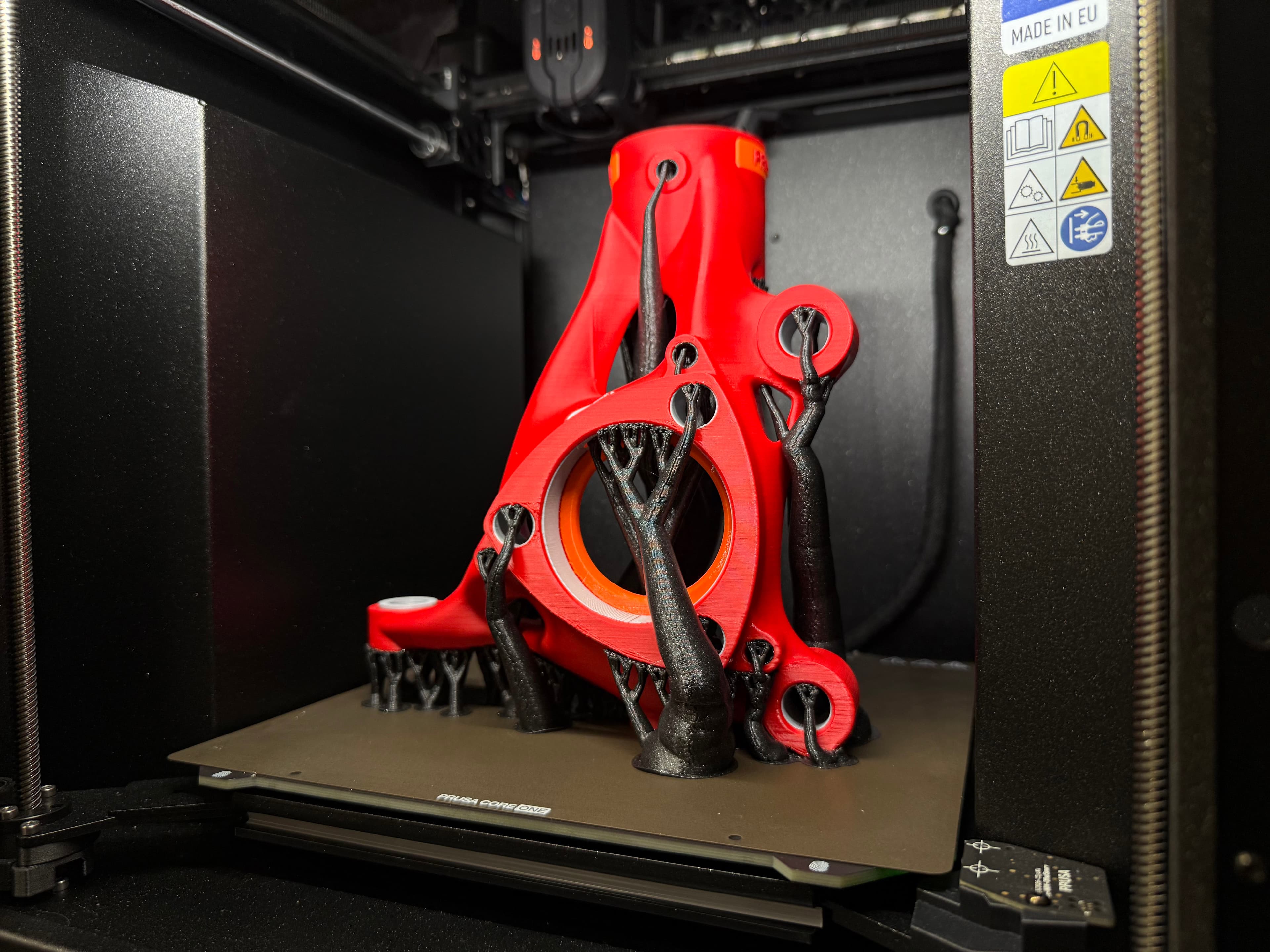
Easy Support Removal
Print intricate internal cavities and overhangs using dedicated support materials. Use a different material for supports so they separate cleanly.
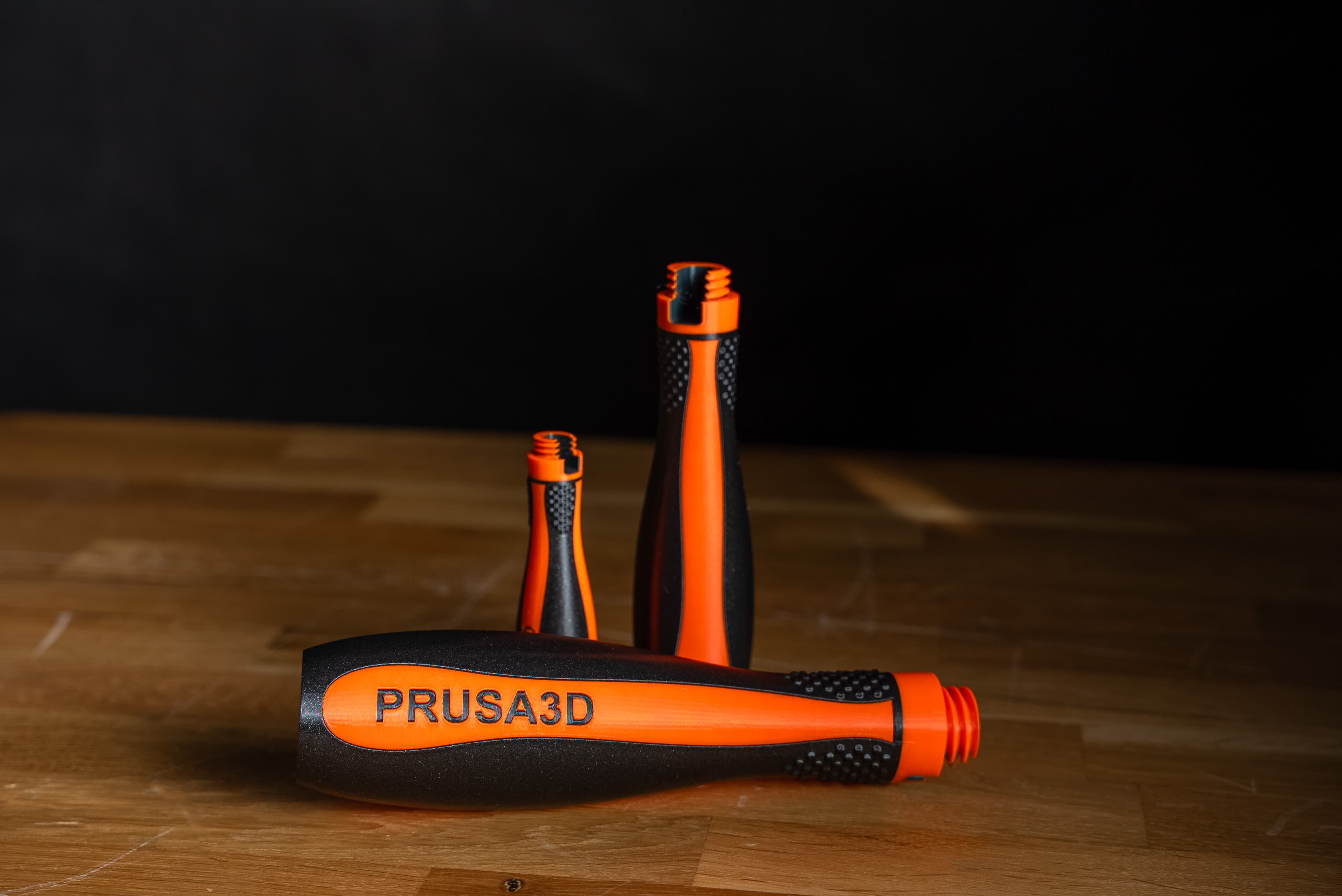
Integrated Soft Grips
Fuse flexible TPU directly onto rigid PETG or PLA tool handles during printing - eliminating secondary assembly and adhesives.
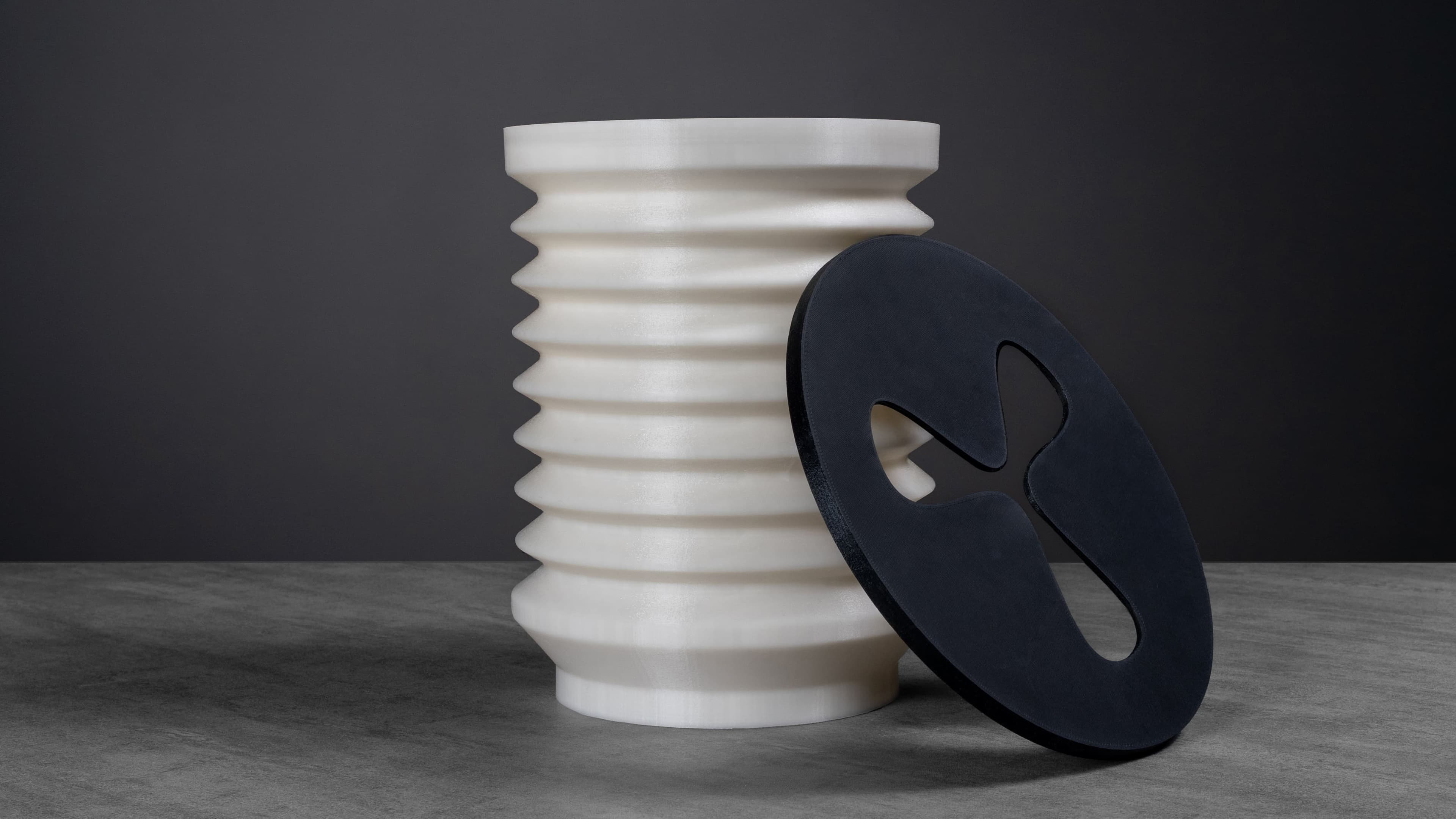
Structural + Flexible
Pair durable Polycarbonate enclosures with flexible TPU seals or compliant hinges for strong, functional parts.
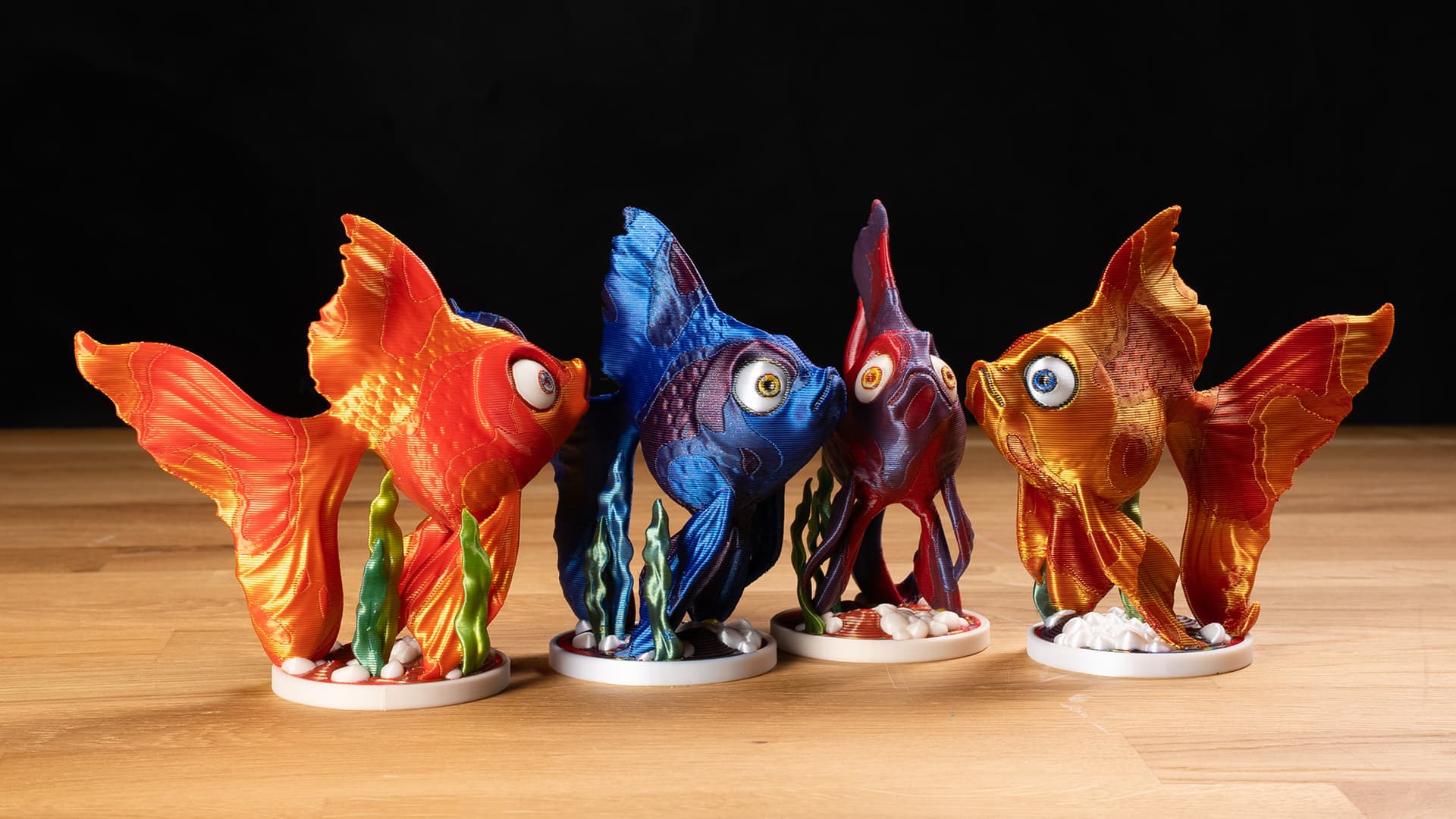
ColorMix Printing
Blend five or even six filament spools to generate dozens of custom fullspectrum color shades without constant manual spool swaps.
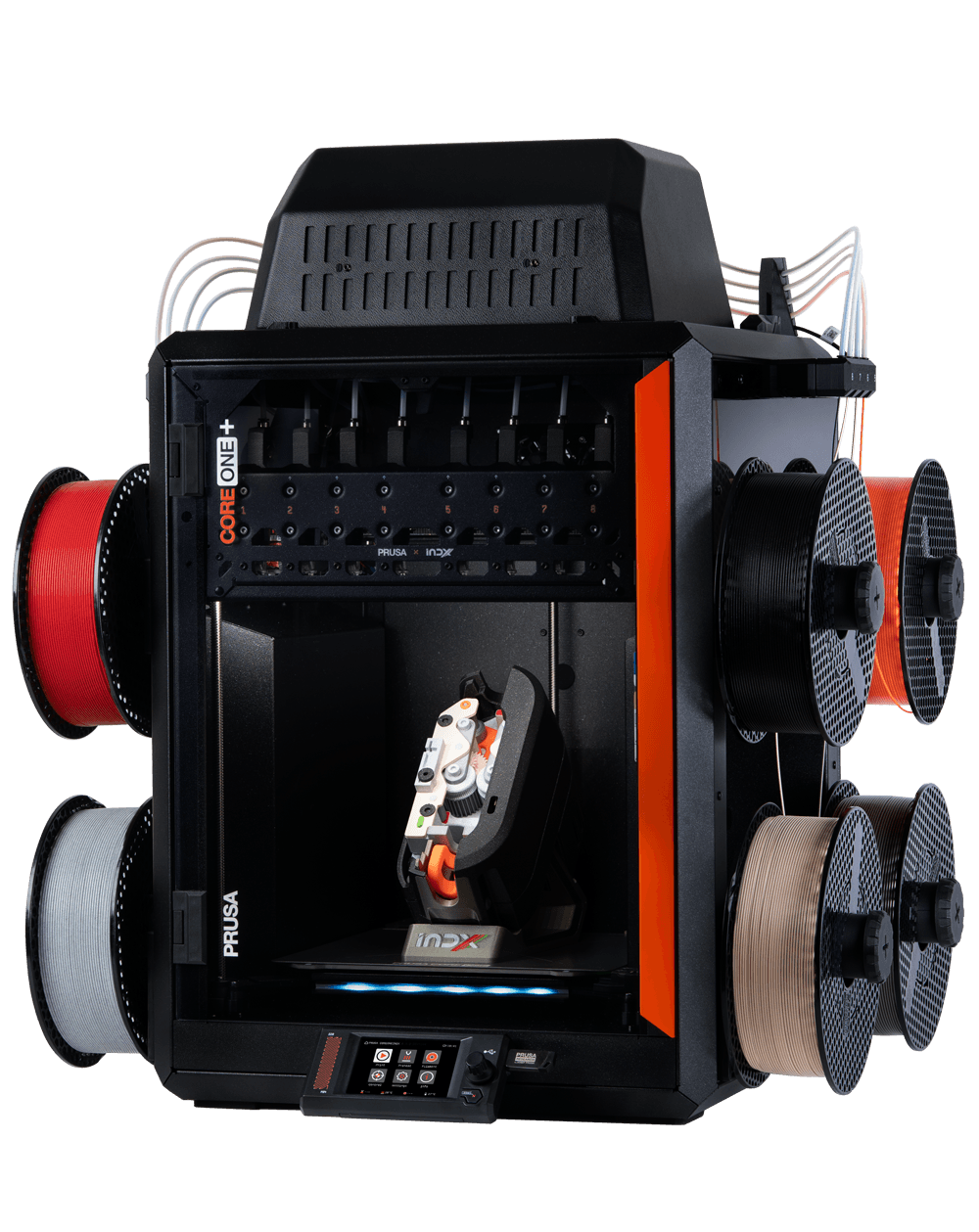
What exactly is the Prusa CORE One+ (Gen 2) INDX?
It's the proven Prusa CORE One+ (Gen 2) in its latest generation, enhanced with Bondtech's super-fast toolchanger. You are getting a battle-tested 3D printer with a rock-solid toolchanger, making it the simplest, most reliable and convenient way to print with up to 8 materials. Learn more about the CORE One+ (Gen 2) here .
- Advanced Toolchanger
- Dedicated nozzles eliminate wasteful color flushing, drastically cutting material costs and print times. Enjoy high-speed, dimensionally accurate printing with any standard, affordable filament - no expensive proprietary blends required.
- Enclosure & Smart Temp Control
- A generous 248 × 205 × 270 mm print volume in a compact footprint. With chamber temperature up to 55°C and smart ventilation, you can reliably print advanced engineering materials (ASA, PC, Nylon) without warping, or standard PLA without heat creep.
- Rugged, All-Steel Build
- Built for demanding workshops and farms, this is a long-term tool, not disposable tech. The all-steel exoskeleton uses zero glued components, meaning it is fully serviceable with just a screwdriver and cheap, readily available spare parts.
- 100% Offline & Private
- You own your hardware, not just a license. Operate completely offline for maximum security and privacy, or connect to an optional, open ecosystem. The choice is always yours.
Stop Wasting Filament!
Cheaper solutions get expensive really quick
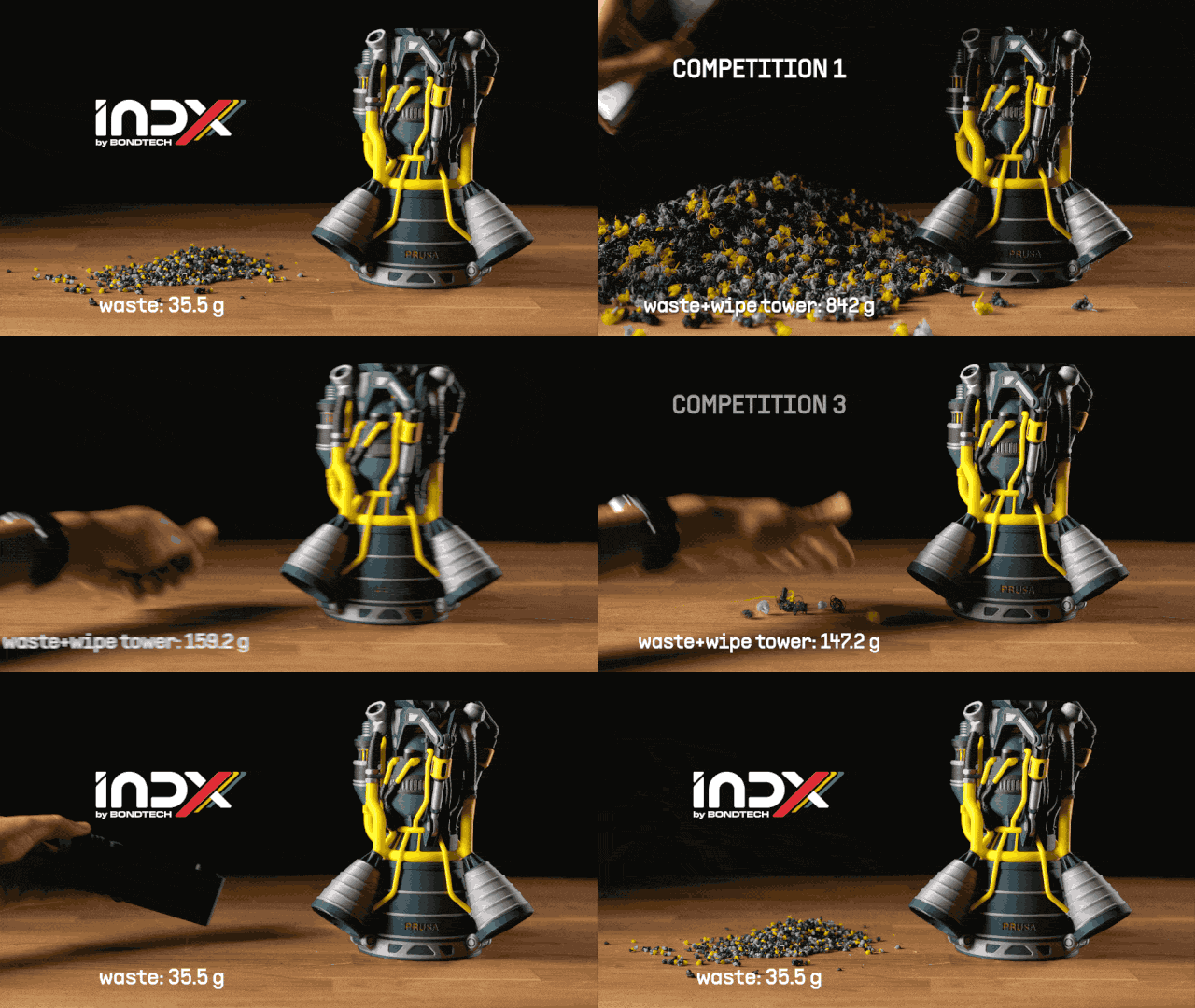
The Hidden Tax of Single-Nozzle Systems
Eliminate Bulky Purge Towers and Wasted Filament
Most multi-color systems force you to waste time, money, and filament flushing colors into a bulky purge tower.
Every time a shared-nozzle printer swaps filament, it must extrude a large volume of plastic into a purge tower to clear out the old color. This waste block steals valuable printable bed space and easily consumes up to 30–50% of your spool on complex multicolor prints. With the INDX, you avoid all of this.
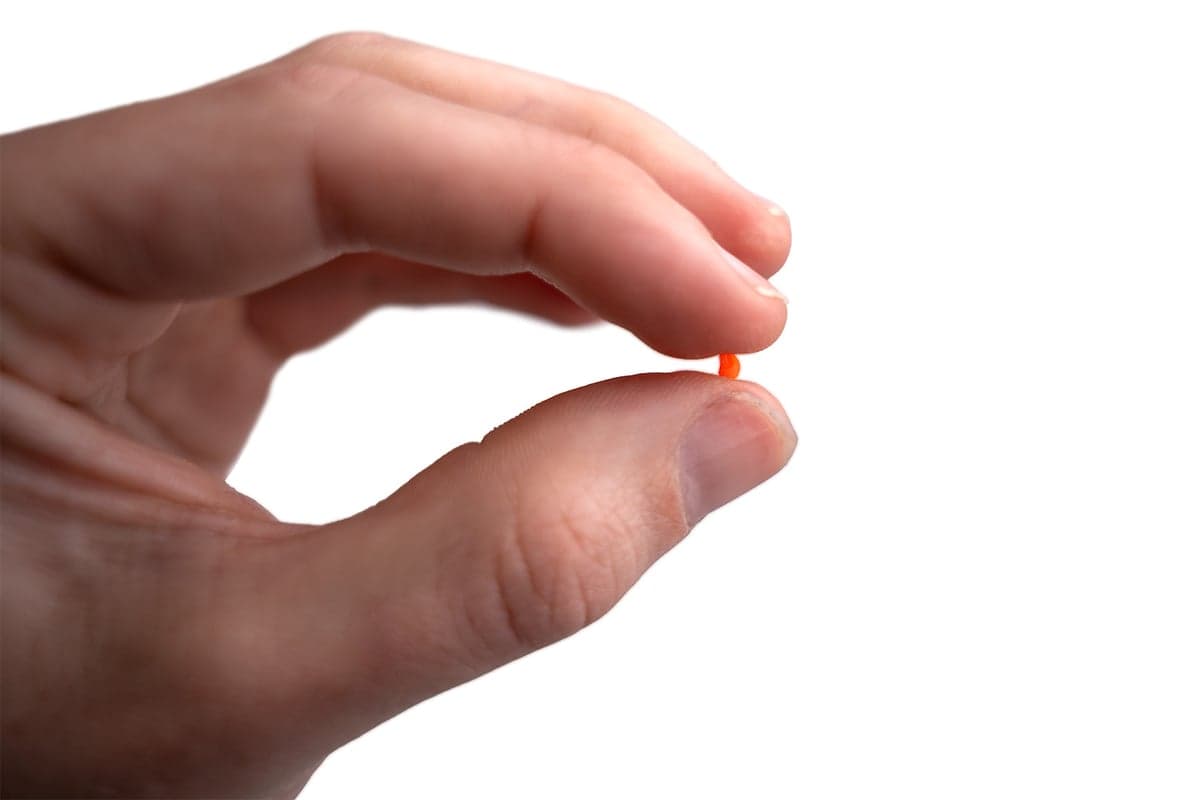
One color change costs you this much plastic
Far Easier than You Think
Printing with multiple materials is just as easy as printing with one
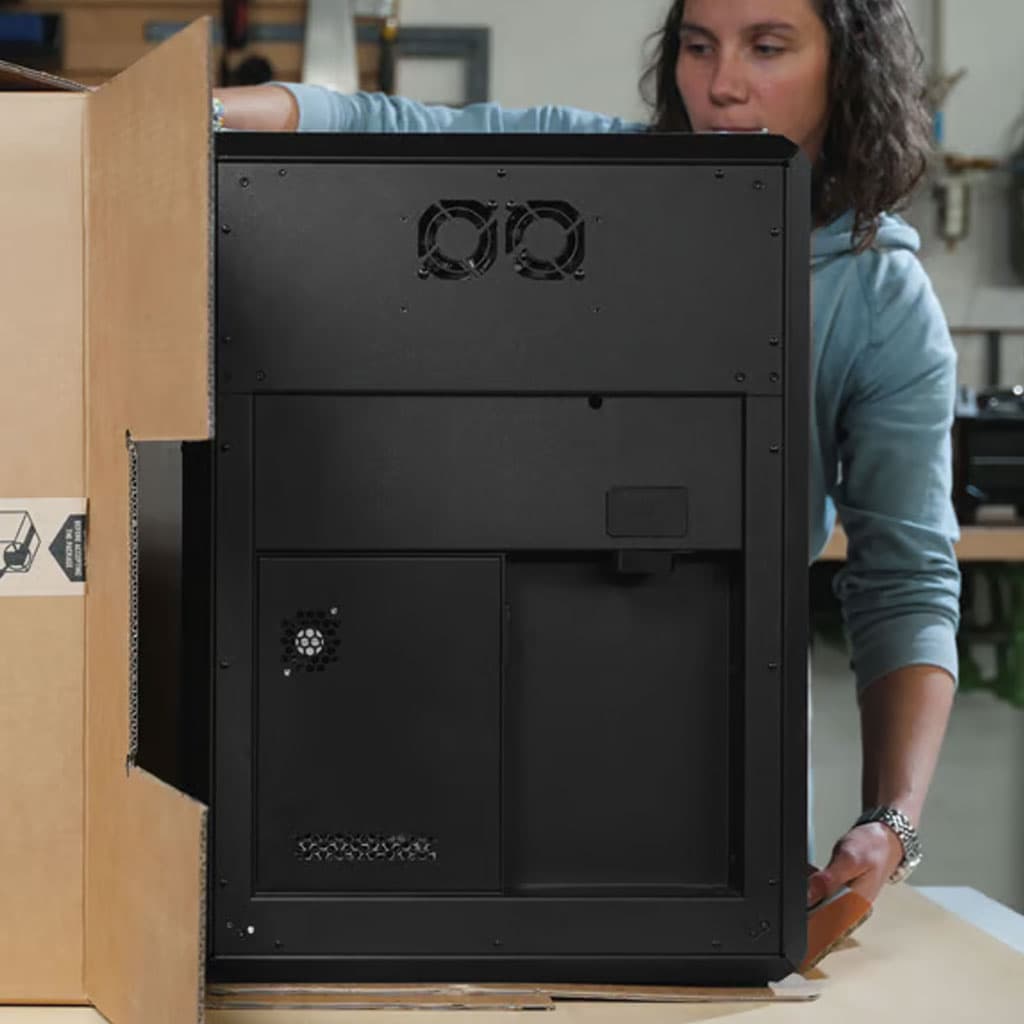
1. Unpack, Attach the Accessories and Start the Printer
No complex assembly required. Attach the display, spool holders, and filament sensors, then let the welcome wizard guide you.
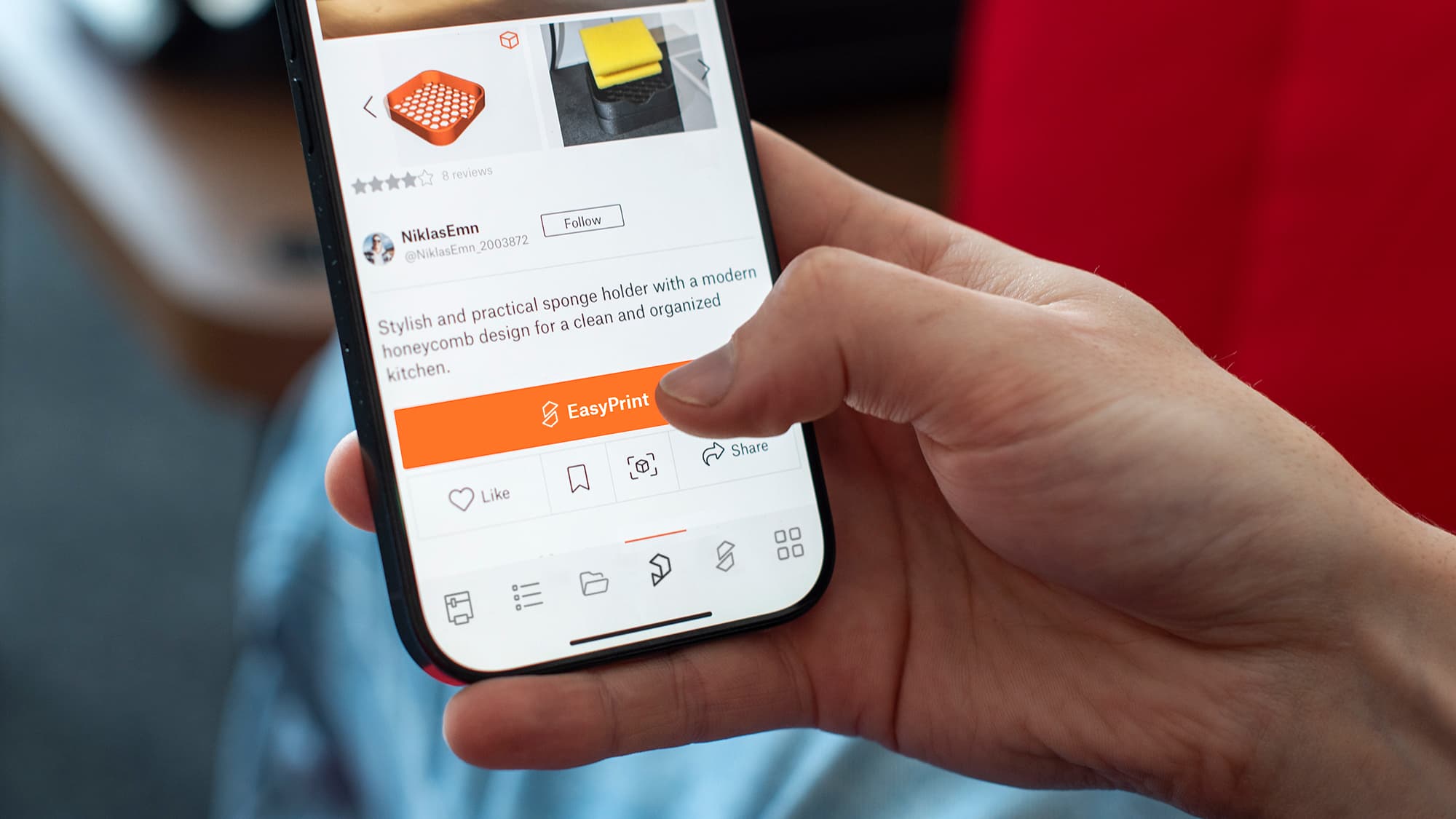
2. Install the App & Pick a Free Model from Printables
Open the app and browse millions of free designs. Find something you like and send it straight to your printer with a single click.
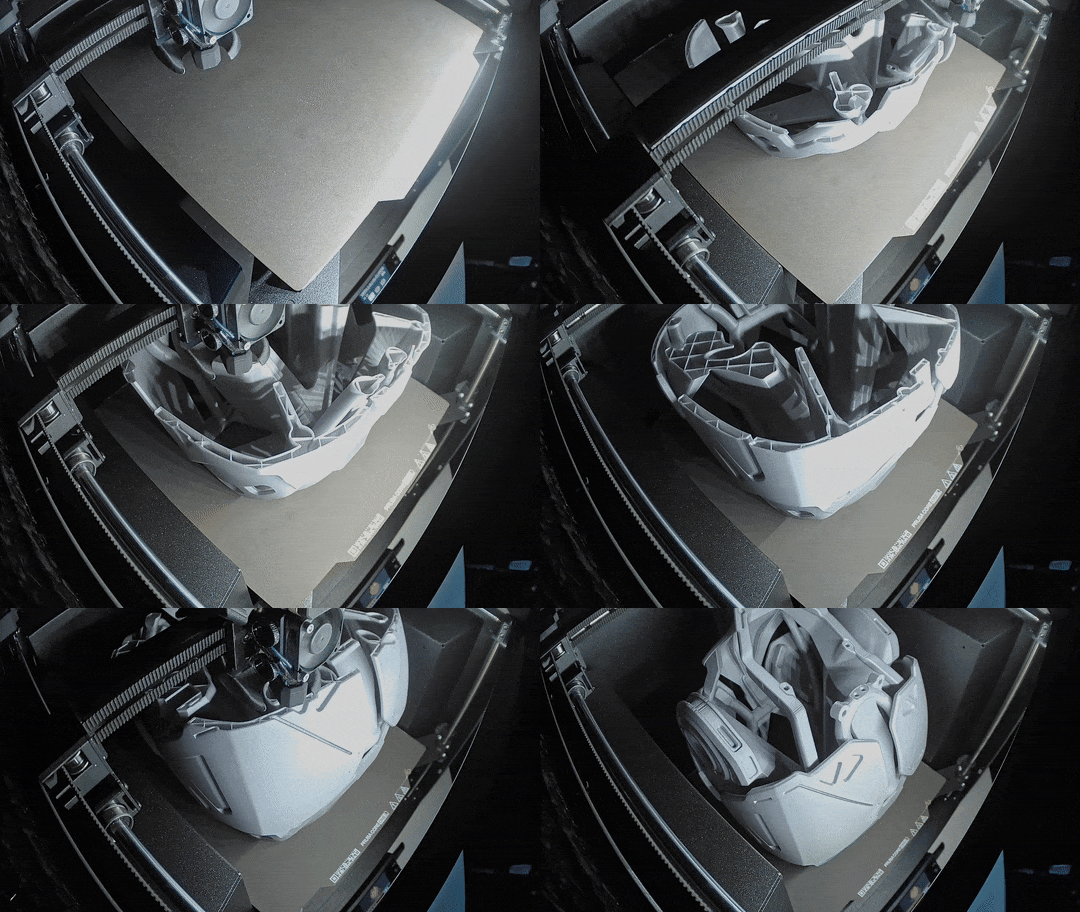
3. Load filaments and start printing
The printer does the rest - from automatic calibration to print monitoring.
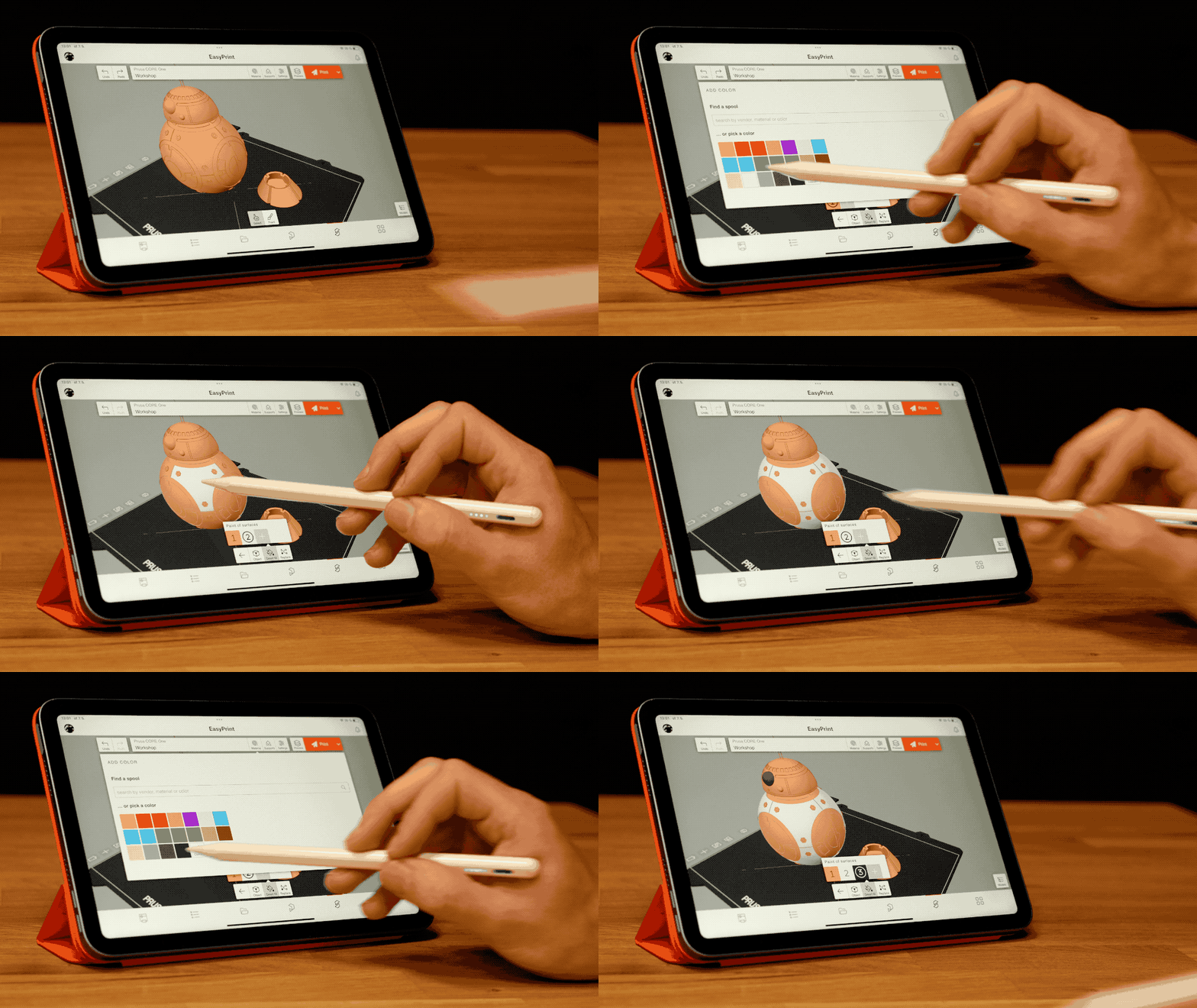
Free software, no PC required
Paint any model in color, on your phone or tablet
EasyPrint runs in a browser, so a phone or tablet is enough to prepare a print. Tap a surface, choose a color, and send it to the machine. When you want deeper control, use PrusaSlicer on Windows, Mac, or Linux. Both are free with the printer.
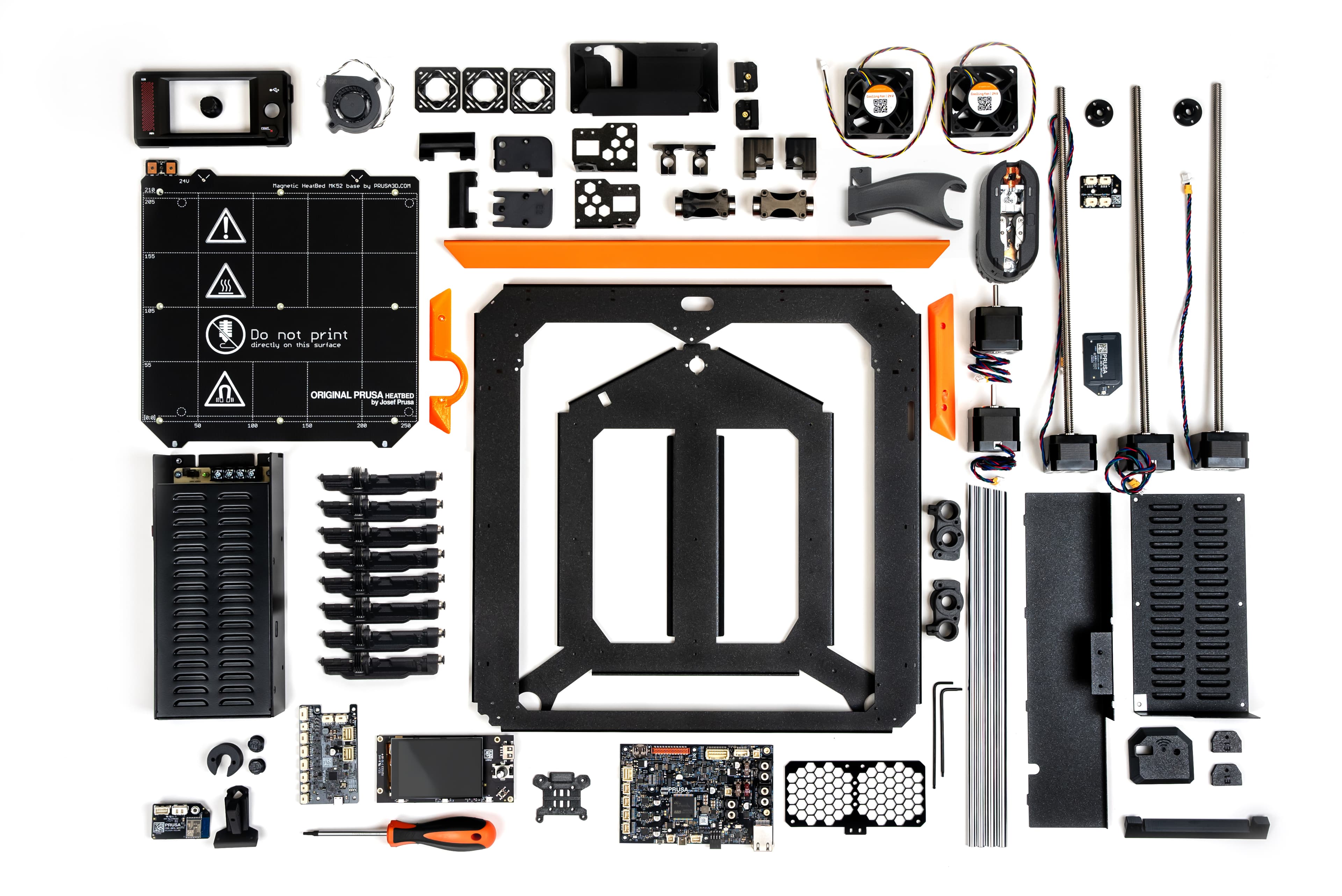
Also Available as an Assembly Kit!
If you enjoy making things, the kit is essentially a massive, highly rewarding LEGO set. You get a great project you can complete even with your kids, a deep understanding of the hardware, and the satisfaction of building it from scratch.
Why Buy from Us?
When you buy a Prusa, you are getting a machine developed, built, and tested by makers in Prague, Czech Republic and Delaware, USA. We stand behind our hardware with 24/7 live tech support and a commitment to long-term reliability through continuous updates and physical upgrade kits, ensuring your printer stays relevant for years.
Fast Global Shipping
Shipped directly from our headquarters in Prague, Czech Republic. In-stock units are packed and dispatched in 1–3 business days.
60-Day Return Window
Risk-free purchase. If you change your mind within 60 days of delivery, our support team will handle your return.
24/7 Lifetime Support
Enjoy a full 2-year warranty in the EU (1 year elsewhere) backed by our legendary 24/7 live-chat support in 7 languages.
No Hidden Fees
You own the hardware you buy. No forced subscriptions. PrusaSlicer, EasyPrint, Prusa Connect remote control, and firmware updates are free forever.
Content Creators & Reviews
"This Obsoleted Every 3D Printer I Own"
Linus Tech Tips
"It has technologies other printers don't have"
Small 3D Prints
The Innovations that Drive the INDX
Only one active component - less complexity, lower price, easier to use. Printing with up to 8 materials is a complex job. Here's how we made it so effortless.
High-Speed Nozzle Swapping in Just 12 Seconds
Single-nozzle multi-material systems spend roughly 42 seconds on every single filament swap. They must retract, cut, feed, and flush the hotend, wasting time and plastic on every layer. The INDX toolchanger is much more efficient - requires merely 12s per change.
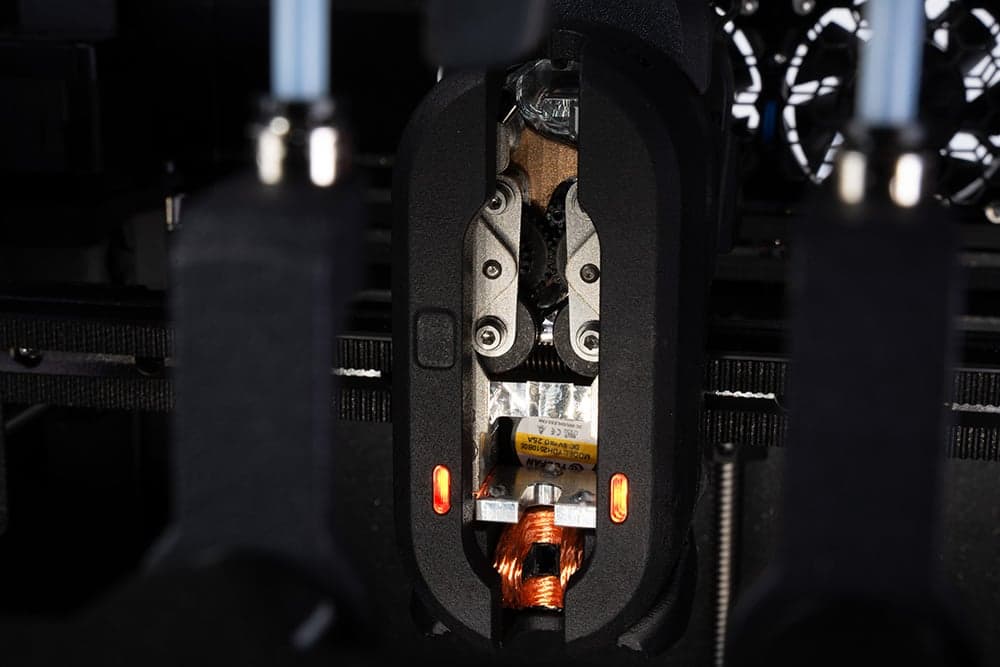
Cold in the Dock, Hot in Seconds
The moving head carries an induction coil, the same principle as an induction hob. It grips a nozzle, brings the steel to printing temperature in seconds, and lets it cool again the moment it parks. Cold nozzles cannot ooze, and that is what keeps eight materials from contaminating each other.
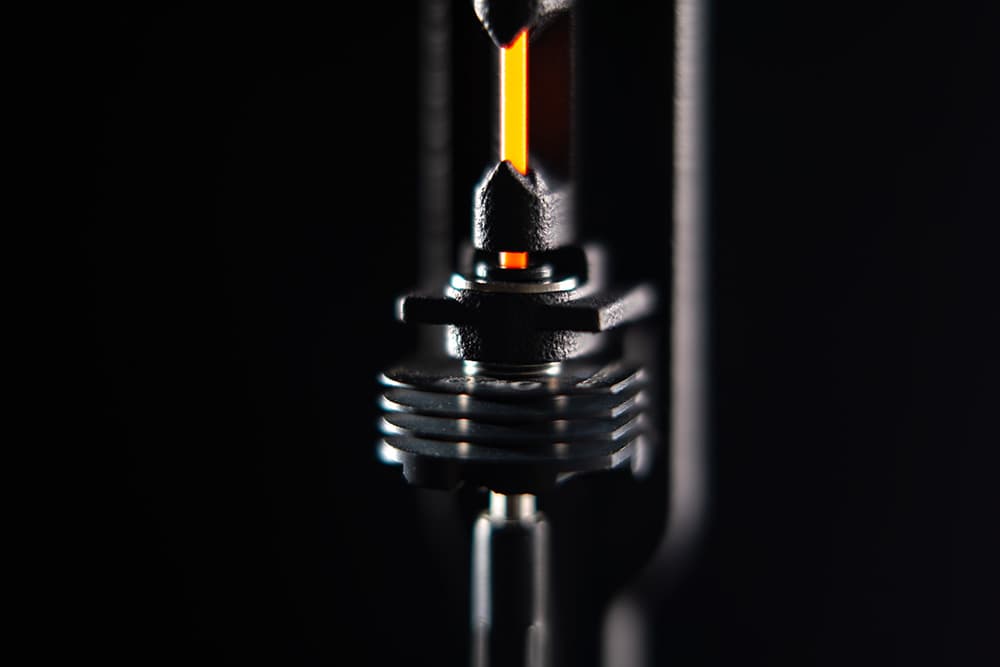
Active Head, Passive Toolchangers
Each parked tool is a nozzle and a dock - no electronics. All the intelligence lives in the head that collects them, so a fifth or eighth material costs a nozzle rather than a whole print head.
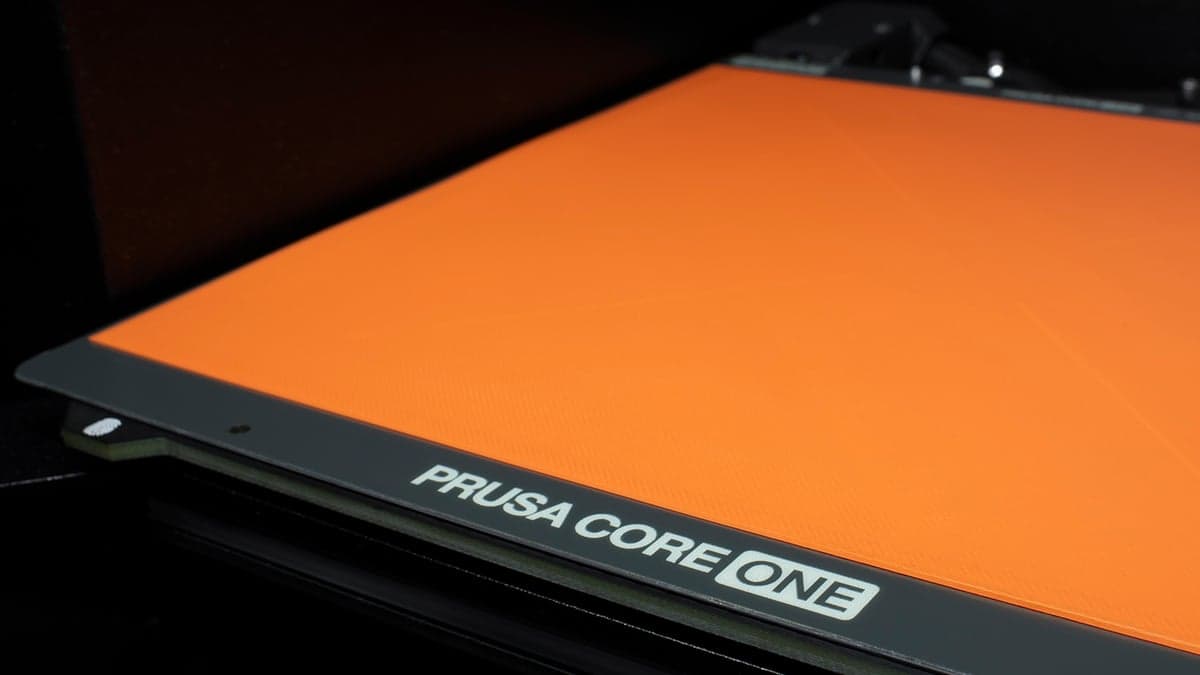
The nozzle measures the bed before every print
The tip presses down on the sheet and a load cell reads the force, so the machine knows exactly where the bed is. This is much more precise than optical solutions, and you can switch nozzles and tools as much as you want.
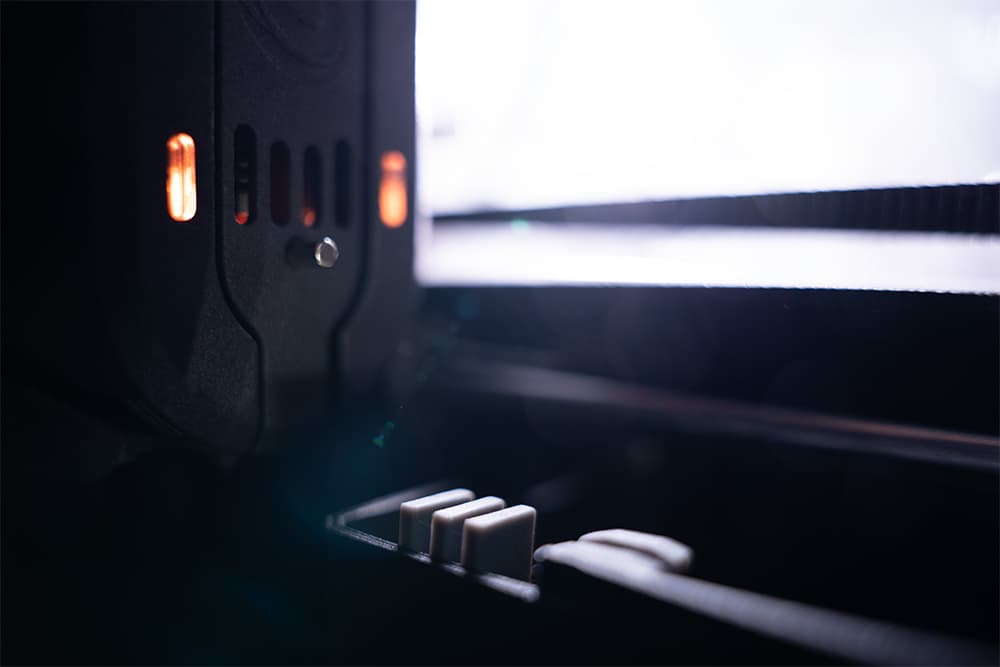
Advanced Nozzle Wiper
The advanced nozzle wiper for induction nozzles helps remove any residue left on the nozzle before printing resumes, improving cleanliness during swaps and reducing the risk of stray blobs affecting print quality. The nozzle wiper is located on a purge collector, where the nozzle deposits the micro-blob of plastic, smaller than a grain of rice.
Self‑adjusting grip for different materials
Soft materials need a gentler grip than rigid, fiber-filled ones. The INDX features a unique mechanism that adjusts the drive gear tension automatically, so you can move from TPU to rigid engineering filaments without stopping to retune the extruder.
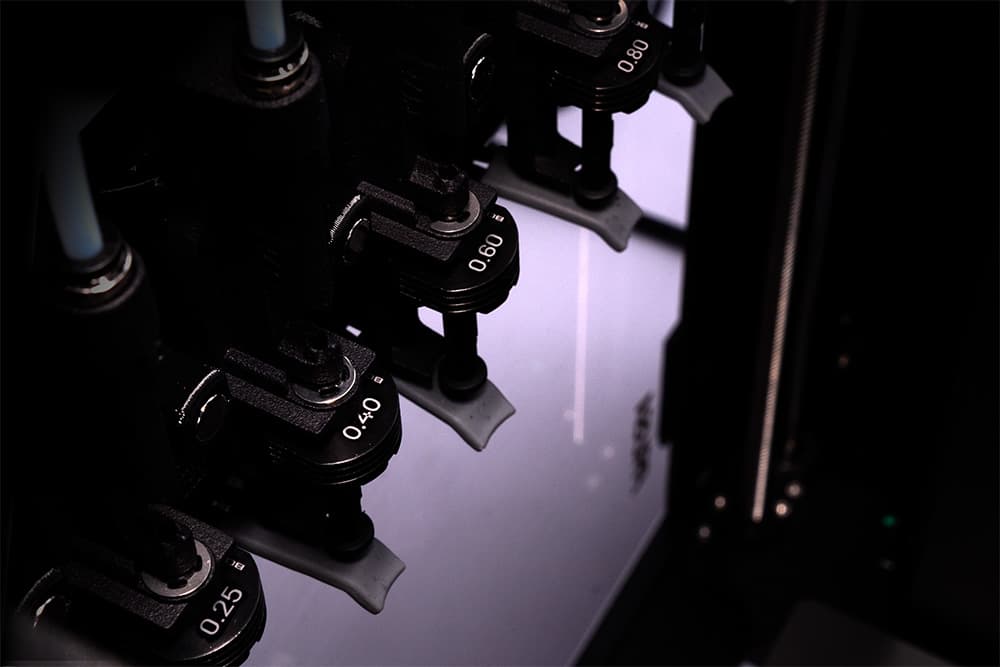
Always Ready to Print
Load eight filaments, install different nozzle sizes from 0.25 to 0.8. When you start a print, everything's already ready and loaded. Just pick the right tool. If you like to use different filaments and nozzles, and hate constantly swapping everything around, the INDX is the solution for you.
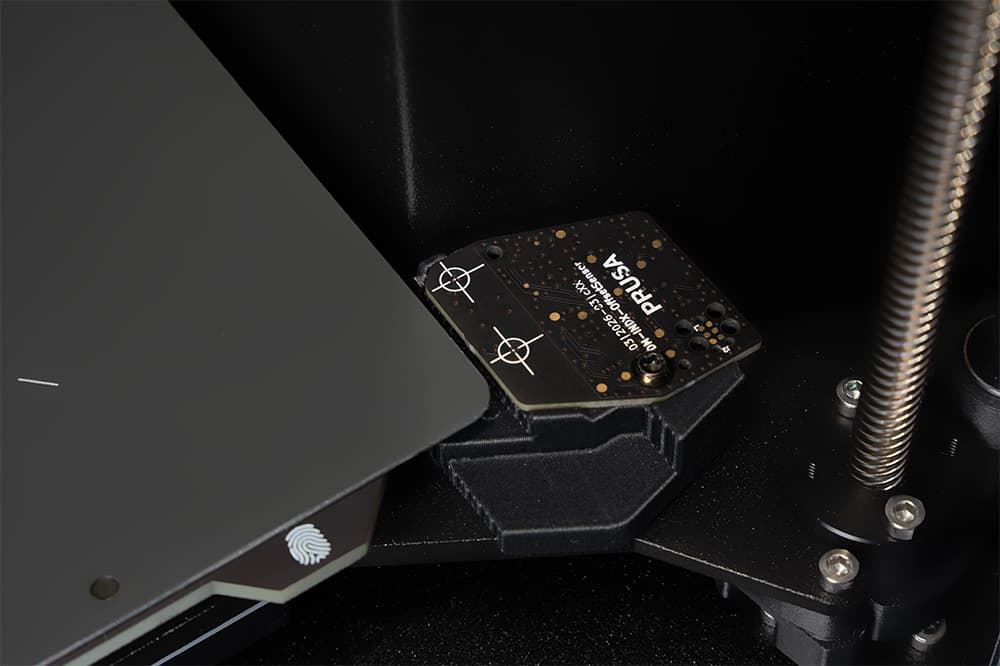
Automatic Tool Offset Calibration
The state-of-the-art offset calibration system is permanently mounted outside the print area. 20x Faster than calibration pin: It takes just 15 seconds per toolhead. Improved Repeatability: Streamlines setup while delivering highly consistent results.
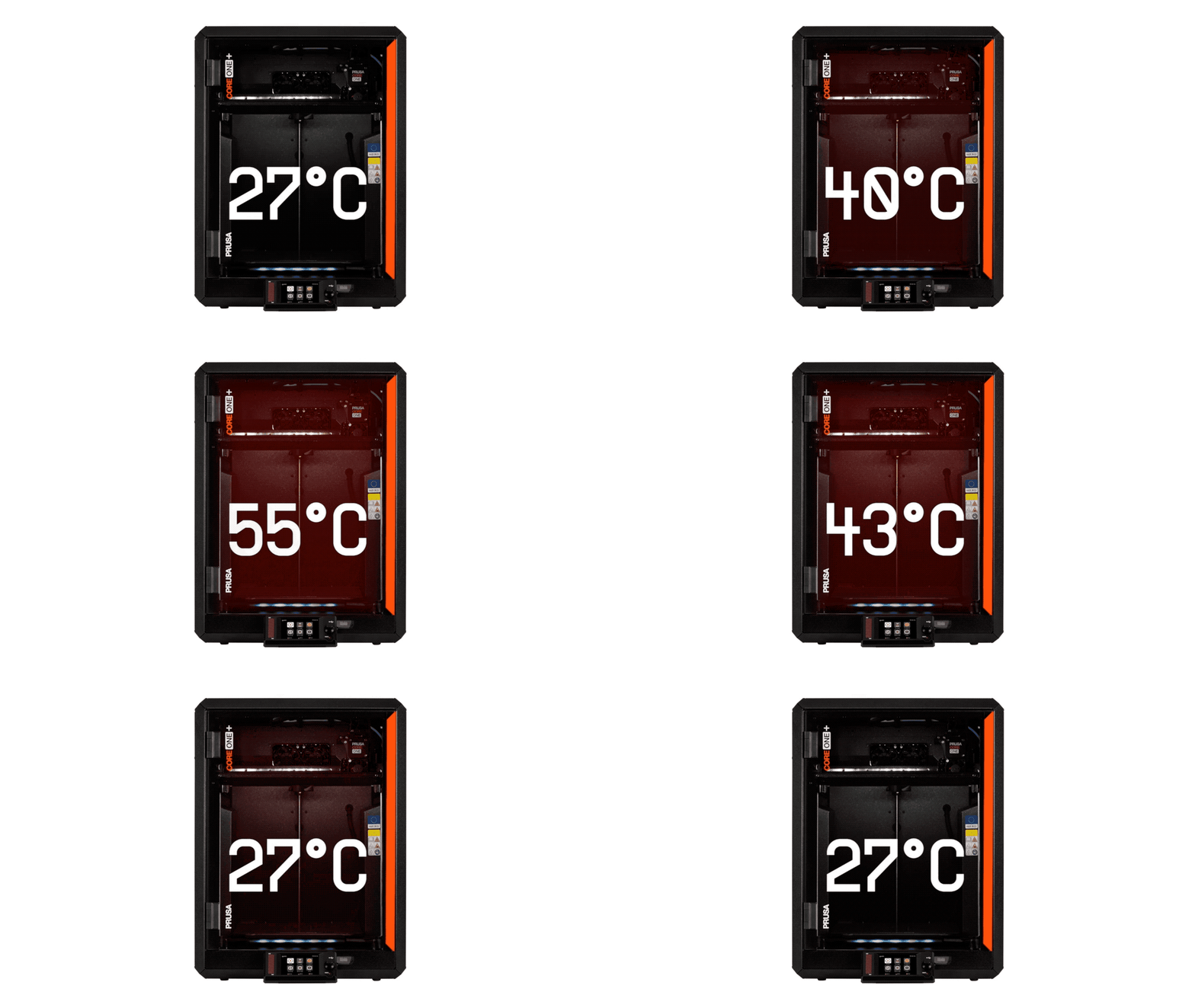
The key to successful prints
Active Chamber Temperature Control
Engineering materials warp when they cool unevenly - corners lift, layers separate, prints fail. CORE One+ prevents this with a compact chamber that hits up to 55 °C, creating a stable environment. And the best thing? While other printers need you to open the door for printing low-temp materials (like PLA), you can keep the CORE One+ door closed thanks to smart chamber ventilation.
Watch the Prusa CORE One+ INDX 3D Printer in Action
Experience real-time high-speed CoreXY 3D printing with silent operation and pristine print finishes.
INDX Toolchanger
- Each tool has its own nozzle, no need to purge
- Virtually zero waste, no wipe towers or filament "poop"
- No cross-contamination between materials
- TPU, PVA, Carbon Fiber and PETG in one print
- Works with any filament brand, any spool size
Single-Nozzle Systems
- Single nozzle must purge old material before loading new
- Purge tower can weigh more than the finished print, large filament "poops" require frequent management
- Residual material causes color bleeding and contamination
- TPU jams in shared hotends
- Space limitations, some systems lack profiles for filaments without proprietary RFID chips
100% Privacy: Offline Mode without Compromise
You don’t have to connect the printer to the network - not even once, and you can still enjoy the full experience without any drawbacks. The printer can be configured and operated offline, including slicing and installation of firmware updates. The Wi-Fi module can be easily unplugged for environments with the highest level of security. We believe that no matter whether you’re developing a new-generation space shuttle, or just printing toys for your kids, no organization should be interested in gathering information about your prints or your printer’s surroundings.
What's in the Box?
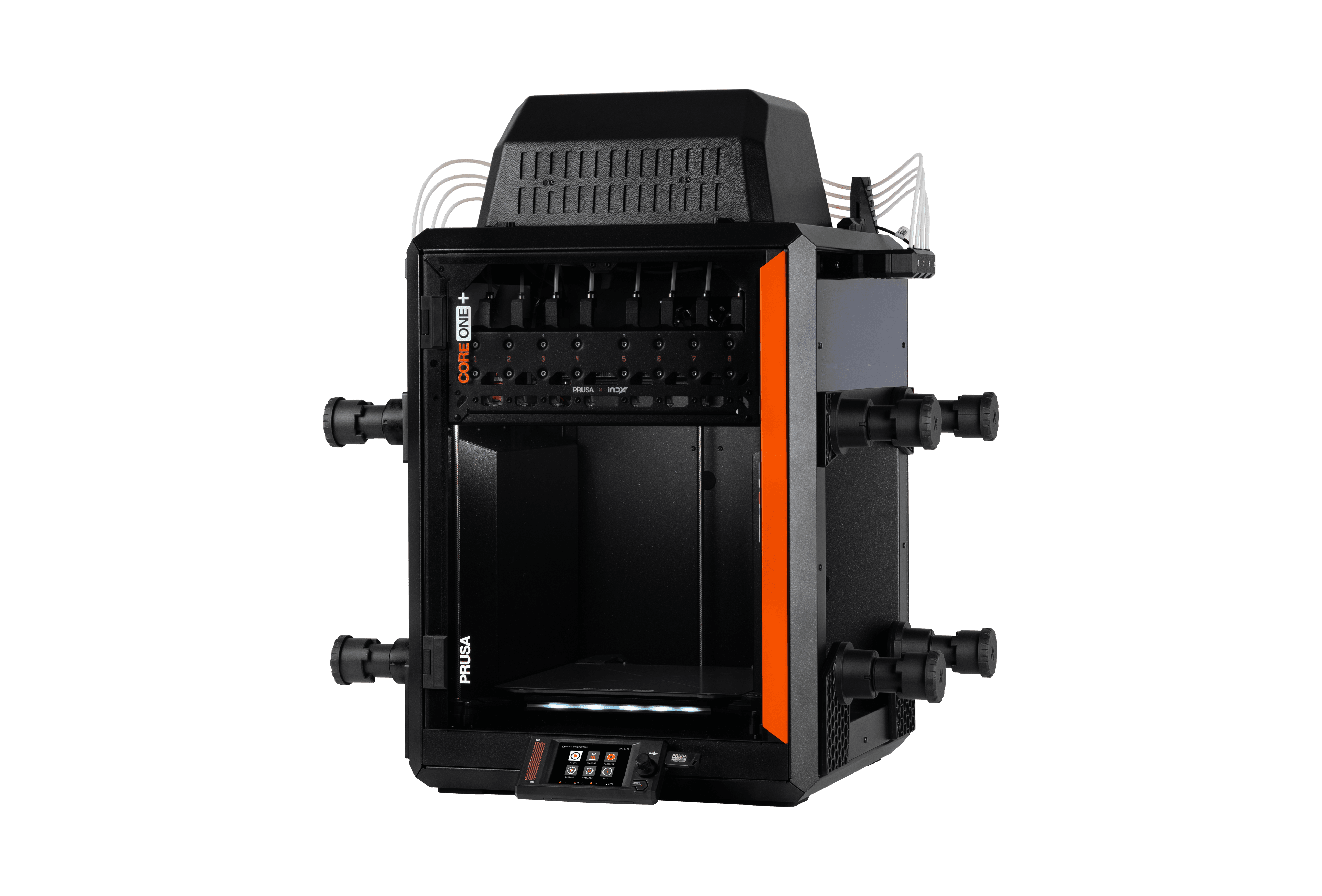
Assembled Prusa CORE One+ (gen 2) with INDX
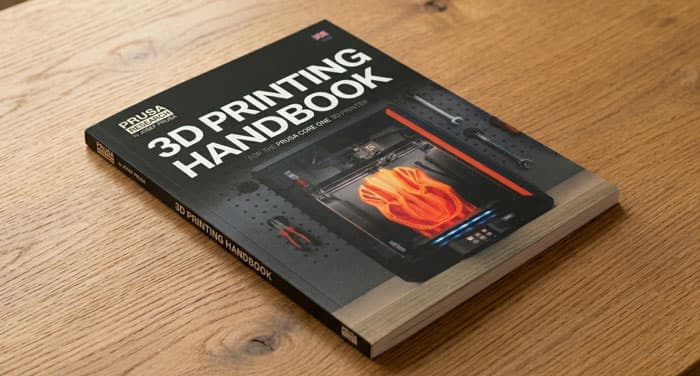
3D Printing Handbook
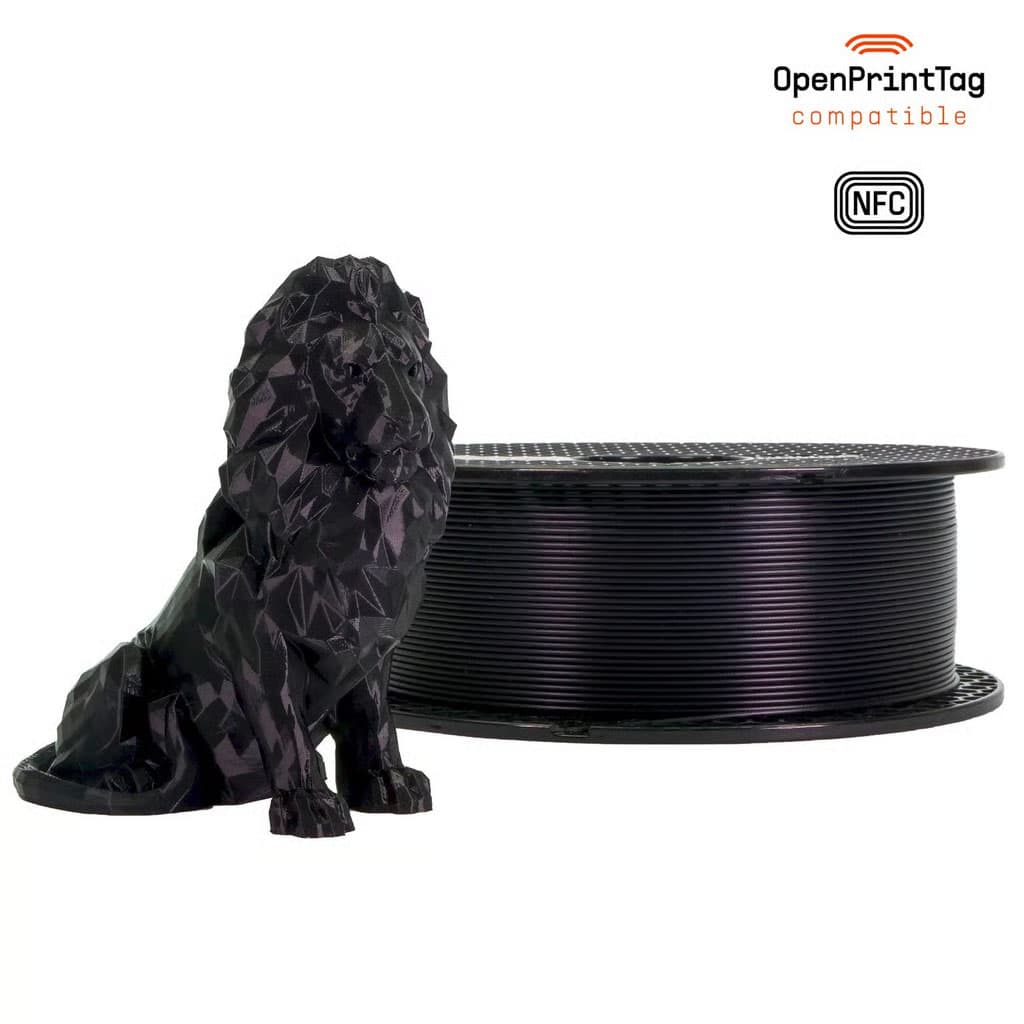
Prusament PLA 1 kg (color may vary)
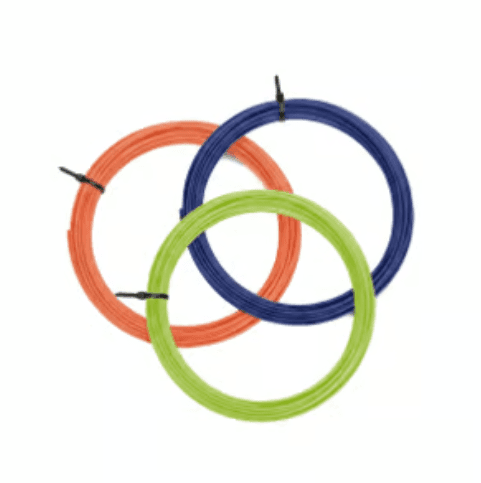
Prusament Samples (3 or 7 based on number of tools; colors may vary)
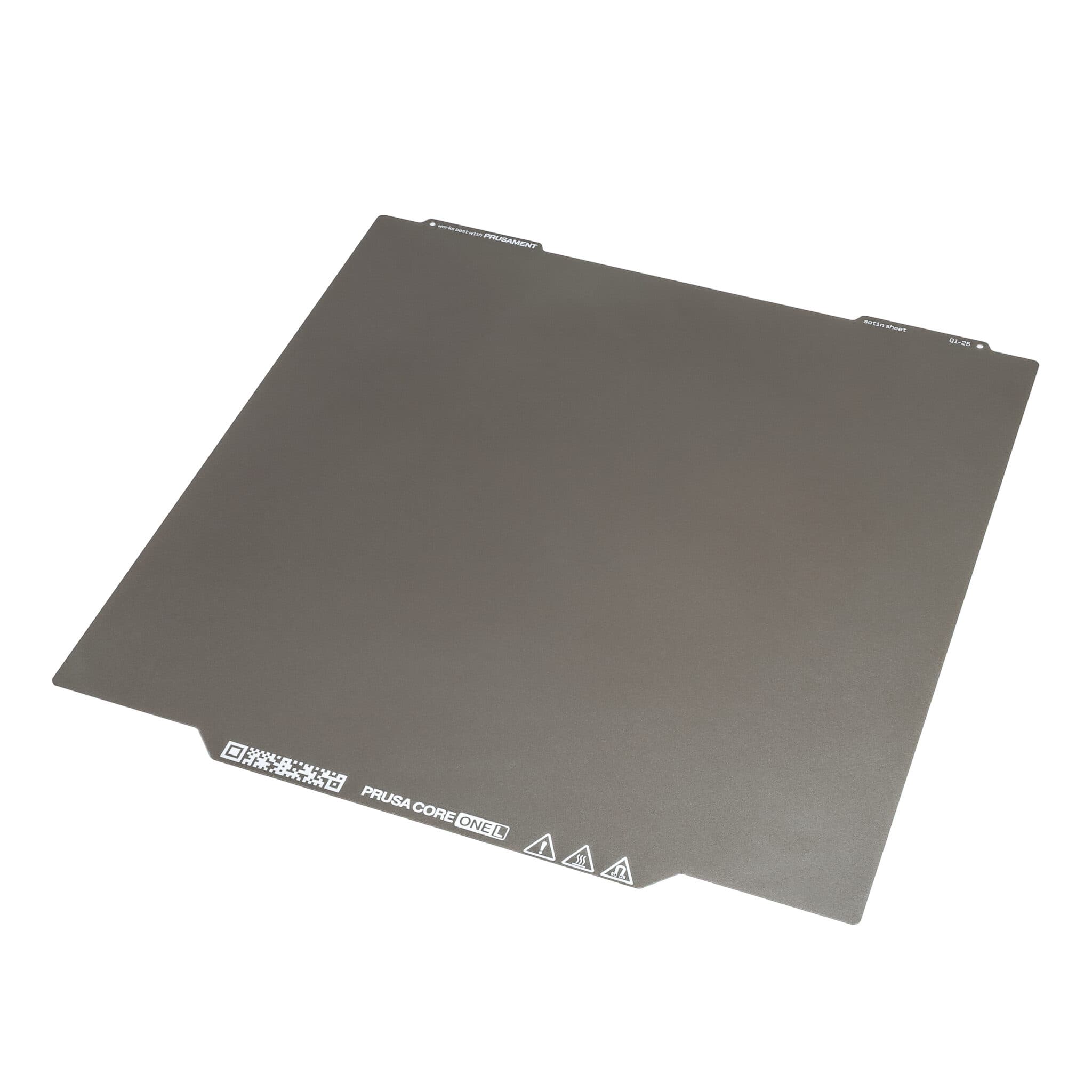
Satin Powder-Coated Print Sheet
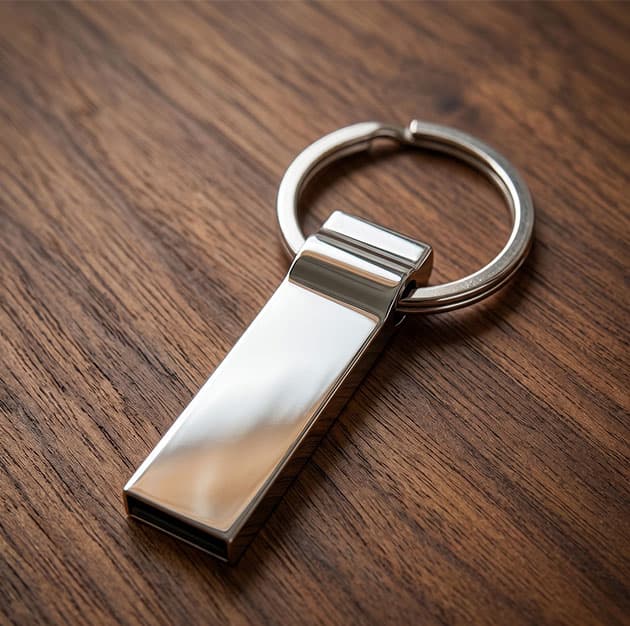
USB Drive with Sample Prints
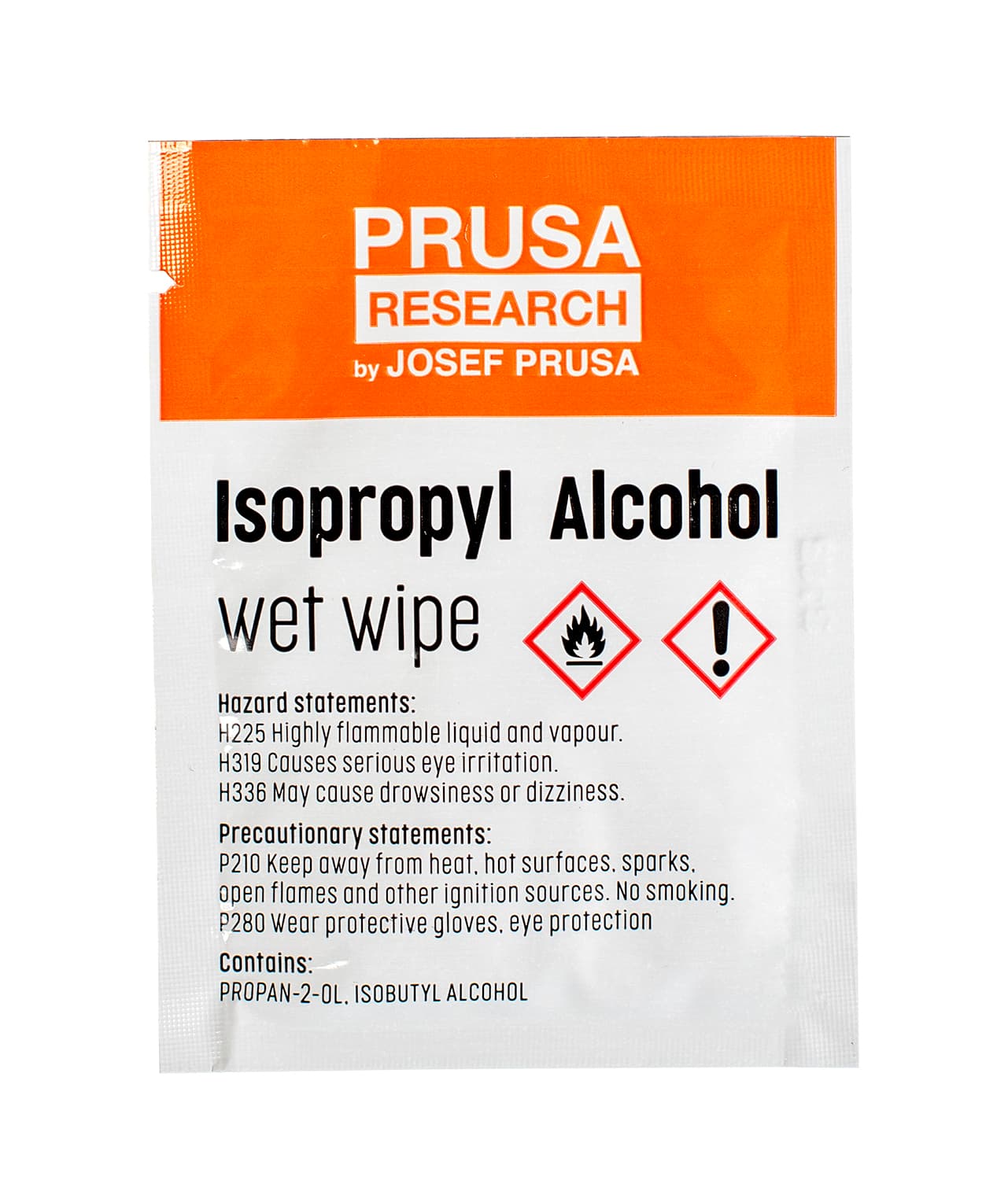
Alcohol-Saturated Wipes

Haribo Gummi Bears
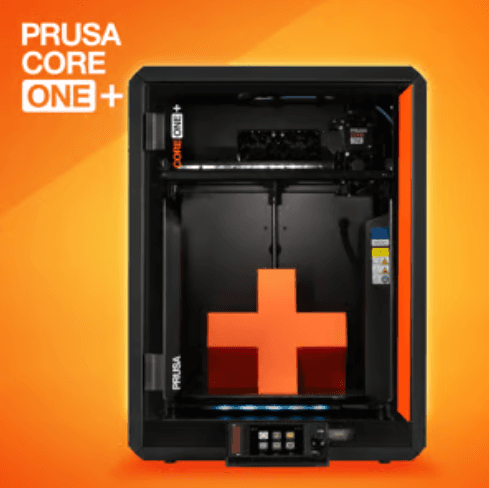
Prusa Academy Course - CORE One+ (Digital)
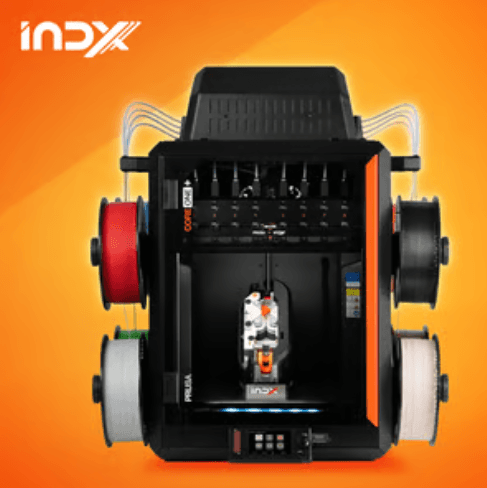
Prusa Academy Course - INDX (Digital)
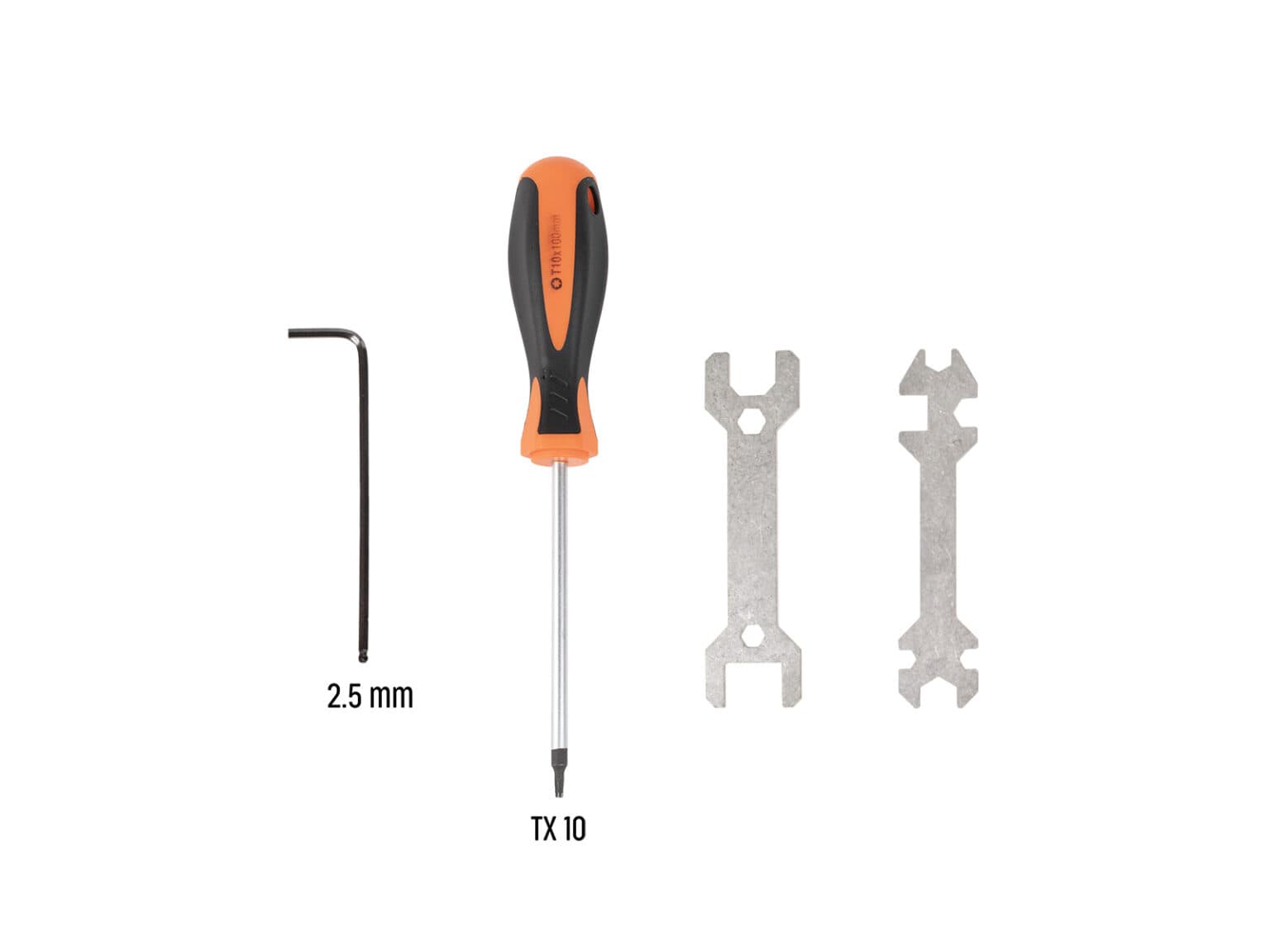
Toolset
What's in the Box?
Assembly Kit Prusa CORE One+ (gen 2) with INDX
3D Printing Handbook + Online Assembly Guide
8 pieces of Prusament Samples
Satin Powder-Coated Print Sheet
USB Drive with Sample Prints
Alcohol-Saturated Wipes
Haribo Gummi Bears
Prusa Academy Course - CORE One+ (Digital)
Prusa Academy Course - INDX (Digital)
Toolset
Frequently asked questions
What is INDX?
INDX is a tool-changing system designed by Bondtech and built into this version of the Prusa CORE One+. It lets one printer use up to eight different filaments in a single job: extra colors, a flexible plastic, a dedicated support material, or a mix of those, without you swapping spools by hand mid-print.
I have never used a 3D printer. Can I still use this?
Yes. You do not need prior experience, and you do not need a computer if you buy the assembled version. The assembled printer arrives factory-built, calibrated and tested. You attach the screen, the spool holders, and the filament sensors, then follow the on-screen welcome wizard. That setup takes about ten minutes. After that you can open EasyPrint in a browser on a phone or tablet, pick a free model from Printables.com, tap the areas you want in each color, and send the job to the printer.
What is the difference between 4 tools and 8 tools? Can I add more later?
On this printer, a “tool” is one parked nozzle plus the filament loaded into it. The four-tool and eight-tool versions are the same CORE One+ (Gen 2): same print speed, same enclosure, same 55 °C chamber. The only difference is how many nozzles sit in the front dock, ready to print. The four-tool machine already has empty dock positions on the mounting plate, so you can add four more nozzles later without replacing the printer.
Should I buy the assembled printer or the kit?
Choose assembled if you want to print as soon as the box arrives. We build and test the machine in our factory in Prague. You unbox it, attach a few accessories (the display, spool holders, and filament sensors), and follow the welcome wizard. The first print is typically within about ten minutes. Choose the kit if you want to pay less and you enjoy putting things together. You get the same original parts as the assembled unit, a printed handbook, an online step-by-step assembly guide, and the tools you need. It is a large, well-documented mechanical project, not a puzzle. If you have built any Prusa kit before, this will feel familiar.
How is this different from AMS, MMU, or printers with two nozzles?
Most multi-color printers still have a single nozzle. A box next to the printer (AMS, MMU, and similar systems) feeds different filaments into that one nozzle. Every time the color changes, the printer has to pull the old filament out, push the new one in, and extrude a large amount of mixed plastic until the color runs clean. That waste is printed as a purge tower beside your model. On a complex figurine, there's usually more weight in waste than in the model itself. Each change also takes on the order of 40 seconds. Printers with two switchable nozzles avoid that delay - but only for two materials. Add a third filament and they fall back to the same unload-and-purge process, with the same waste. INDX is a toolchanger, not a filament switcher. Each filament has its own nozzle, sitting cold in the rack until it is needed. There is no shared path through a single hotend, so there is nothing to flush. A change takes about 12 seconds and leaves about 0.013 g of plastic on a small wiper inside the chamber. That is why this page talks about almost zero waste: you are not throwing away a third of a spool with every colorful print.
Why is there no purge tower? What does 0.013 g of waste actually mean?
A purge tower exists because one nozzle cannot hold two colors at once. The old filament has to be pushed out before the new color is clean, and that leftover plastic is printed as a block next to your model. It takes up bed space and, on multi-color jobs, can consume a large share of the spool. INDX never mixes two filaments in the same nozzle, so it does not need that tower. It does still put down a tiny amount of plastic at each swap to stabilize the pressure inside the nozzle. This tiny plastic pellet is approx. 0.013g.
What materials can I print? What about carbon fiber?
You can use any 1.75 mm filament from any brand. There is no chip in the spool and no requirement to buy Prusament, although Prusament has tuned profiles for this machine. The nozzles in the box are 0.4 mm high-flow, made from surface-hardened nitrocarburized steel. They are the right choice for PLA, PETG, ASA, TPU, polycarbonate, PA11 nylon, PVB, BVOH, and other non-abrasive plastics. The enclosed chamber (up to 55 °C) and 300 °C nozzle temperature are what let you print ASA, PC, and nylon without the warping you would see on an open-frame printer. .Carbon-filled and glow-in-the-dark filaments are abrasive - they slowly grind the nozzle. These stock nozzles will print them, but they are not meant for that as everyday work. After about 10 kg of PETG-CF, 5 kg of PC-CF, or 0.5 kg of Prusament Ultraglow, the print quality may be affected. If you print those materials often, plan on replacing the nozzles they use, or keep those spools on dedicated tools so you are not wearing every nozzle in the dock.
What are the Smart Head and the passive tools?
Those two phrases describe how INDX is built, and they are the reason extra nozzles stay inexpensive. On a classic toolchanger, such as the Original Prusa XL, each tool is a complete print head: motor, gears, heater, temperature sensor, and wiring. That is reliable, and it is also heavy and expensive, so adding a fifth or sixth tool costs a lot. INDX splits the job in two. The Smart Head is the one unit that rides on the gantry. It holds the expensive parts: the induction coil that heats the nozzle, the electronics that read temperature without touching the tool, and the extruder motor. That motor also runs a mechanism that tightens or loosens the grip on the filament by itself, depending on whether you are printing soft TPU or a stiff filled plastic. The name INDX comes from those two pieces: IN for induction heating, DX for the dynamic extruder. The tools in the front rack are called passive because they have no electronics. Each one is a filament path and a special steel nozzle - no wires, no heater, no motor, no circuit board. When the Smart Head docks onto a tool, that tool becomes a working hotend. When the head parks it, the nozzle cools on its own because there is no heater block holding heat. Parked tools cannot keep drooling onto the print, and a fifth or eighth material costs a nozzle rather than a whole print head.
How does induction heating work, and why does it matter?
A normal 3D-printer hotend is an aluminum block with a heater cartridge and a temperature sensor screwed into it, and a nozzle threaded into the bottom. The printer heats the whole block, and the block heats the plastic. That block has a lot of mass, so it takes time to heat up and even longer to cool down. If you parked a nozzle that was still hot, it would keep leaking filament onto your print. INDX does not use a heater block. The Smart Head contains an induction coil, the same principle as an induction cooktop. When it picks up a tool, the coil creates a high-frequency magnetic field. That field heats the steel of the nozzle itself. Almost all of the energy goes into melting plastic, not into warming a chunk of aluminum, so the nozzle reaches printing temperature in a few seconds. When the tool is parked, there is nothing keeping it hot, so it cools quickly and does not leak. Temperature is measured without a wire to the tool. That contactless reading is how a nozzle with no electronics can still be controlled accurately. The maximum nozzle temperature on this machine is 300 °C.
Can I keep different nozzle sizes loaded? How does the printer stay aligned between tools?
Yes. You can leave different nozzle diameters in the dock and pick the one the print needs, instead of unscrewing nozzles every time you change a job. Supported sizes are 0.25, 0.4, 0.5, 0.6, 0.8, and 1.0 mm. The printer ships with 0.4 mm high-flow nozzles; the other sizes are sold separately. A common setup is 0.25 mm for fine detail or miniatures, 0.4 mm for everyday parts, and 0.8 mm for large, fast prints or sturdy jigs and fixtures.
The details that matter
Technical specifications
Manufacturer figures, with plain-English notes where useful.
21 specifications
Printing
- Printing technology
- FDM
- Diameter
- 1.75 mm
- Layer height
- 0.05–0.30 mm
- Build volume
- 248 × 205 × 270 mmUsable print area (X × Y × Z).
- Nozzle
- 0.4 mm high-flow hardened steel
- Extruder
- Bondtech INDX induction toolchanger
- Toolheads
- Eight INDX tools in this configuration
- Multicolour
- Up to eight materials with the included INDX system
- Tool change
- Approximately 12 seconds
- Supported nozzle sizes
- 0.25, 0.4, 0.5, 0.6, 0.8 and 1.0 mm
- First layer calibration
- Automatic, load-cell sensor
Materials & environment
- Enclosure
- Enclosed / enclosure included
- Filtration
- Optional advanced filtration upgrade
- Chamber temperature
- up to 55 °C
- Materials
- PLA, PETG, Flex, PVA, PC, PP, CPE, PVB
- Maximum bed temperature
- 120 °C
- Maximum nozzle temperature
- 300 °C
- Advanced materials
- ABS, ASA, HIPS and PA require suitable filtration and material-specific setup.
Machine & package
- Printer dimensions
- 620 × 470 × 690 mm
- Weight
- 24.5 kg
Controls & connectivity
- Connectivity
- Ethernet, Wi-Fi
A question before you order?
Ask about compatibility, the right configuration, or delivery for this product.
Explore more from Fabinity
Browse the range- In stock
 In stock
 Out of stock
Prusa Research
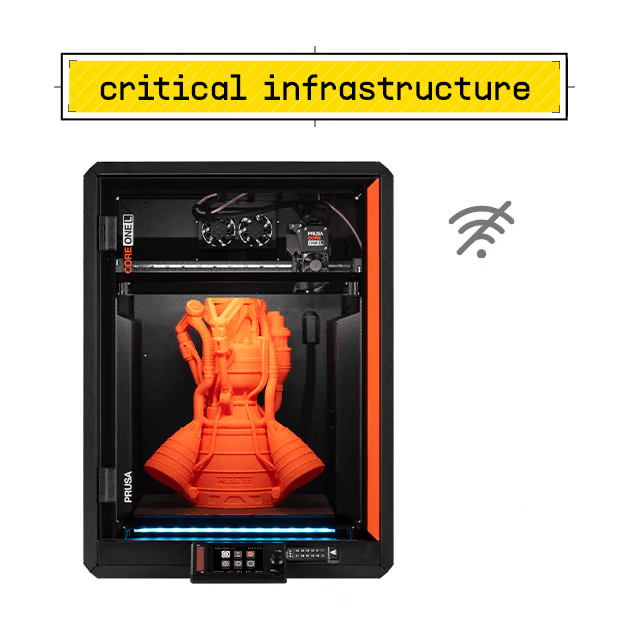
Prusa CORE One L+ Critical Infrastructure Edition
300 × 300 × 330 mm3 options available
From £2,859 inc. VAT
 In stock
Prusa Research
Original Prusa SL1S SPEED 3D Printer
127 × 80 × 150 mm3 options available
From £1,959 inc. VAT