

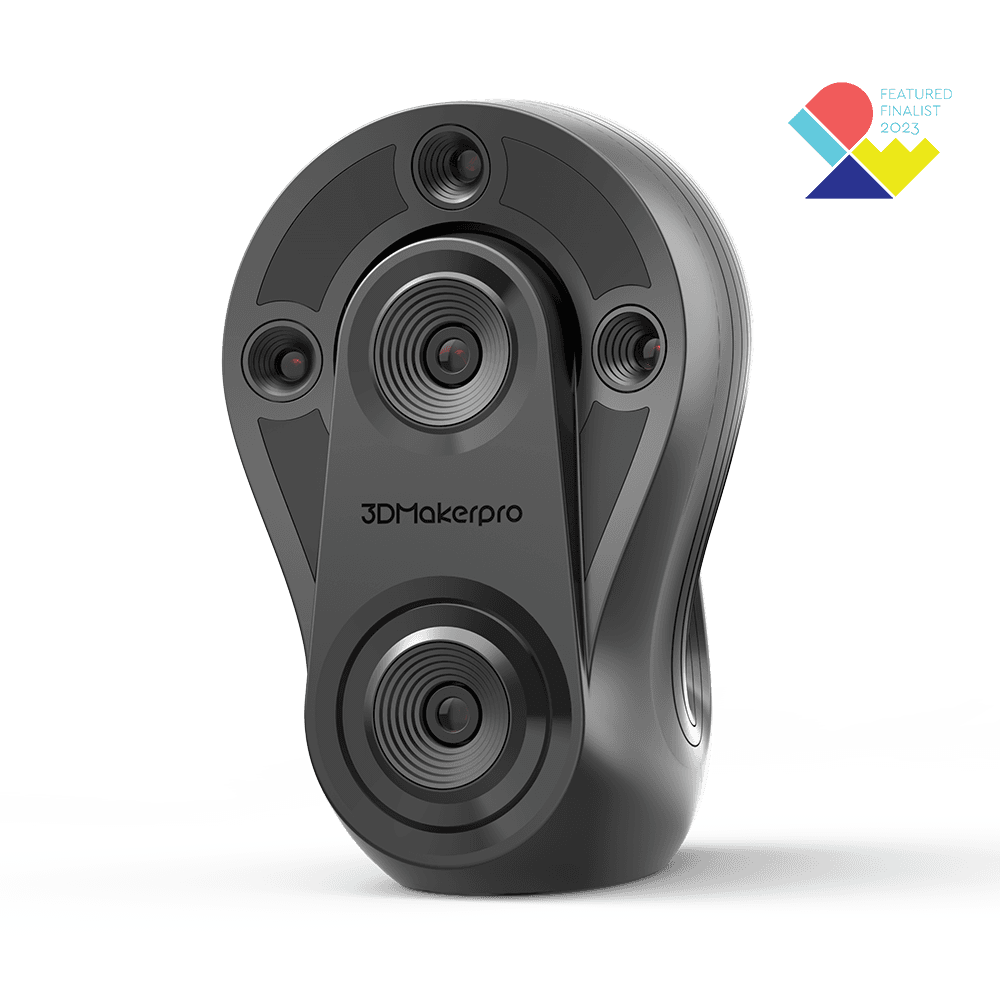
 In stock
3DMakerpro
Whale 3D Scanner
The details make the difference. Check the fit before you order.
3 options available
From £5,471.24
The details make the difference. Check the fit before you order.
 1 / 5
1 / 5SKU 3DM-FOX-01
Delivery in 5–7 days.
Select a quantity below to get started.
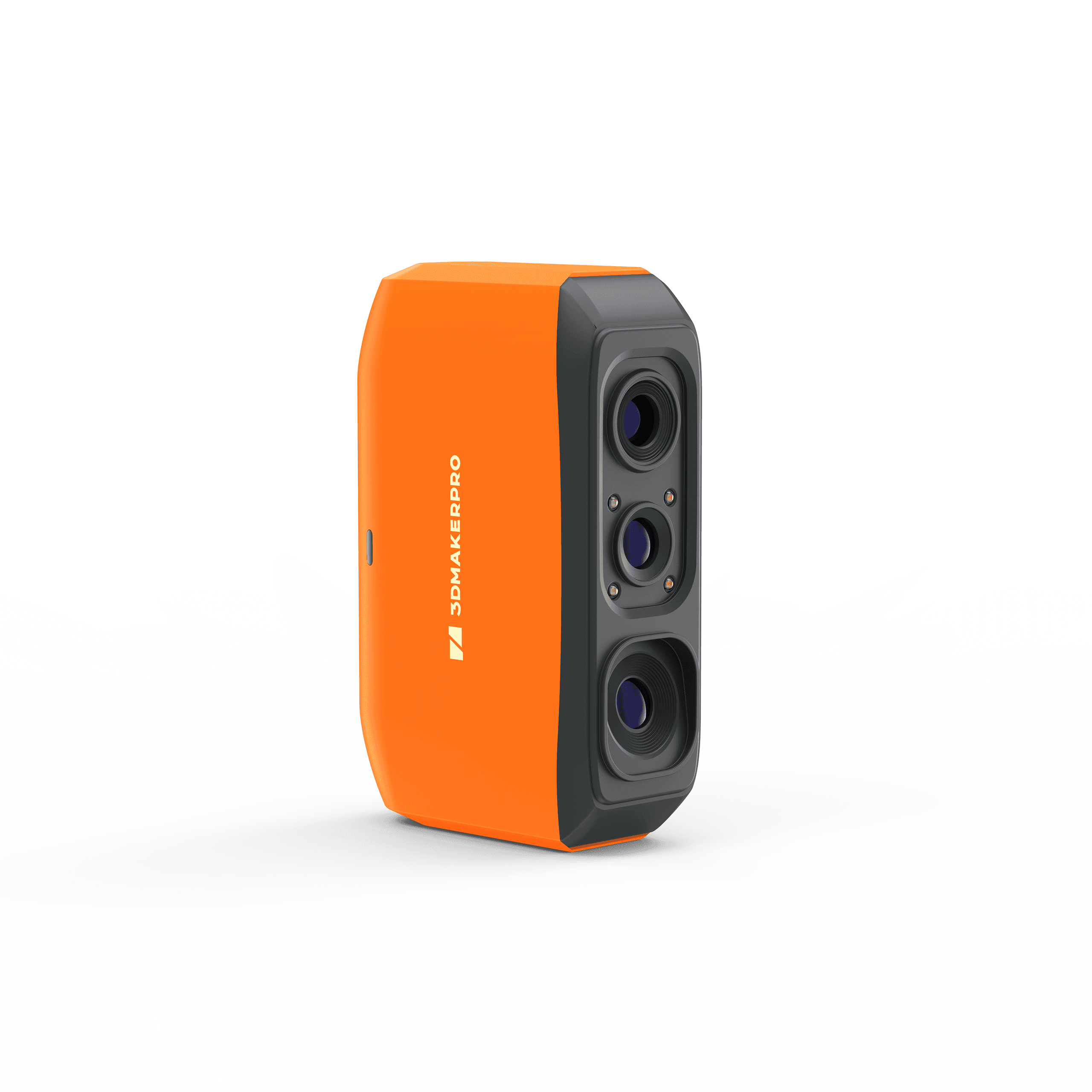
Meet the Fox with its vibrant orange design and 210g ultralight weight. Quickly capture accurate 3D models for your next 3D printing or education project.
Fox 3D Scanner · Fabinity guide to 3DMakerpro features.
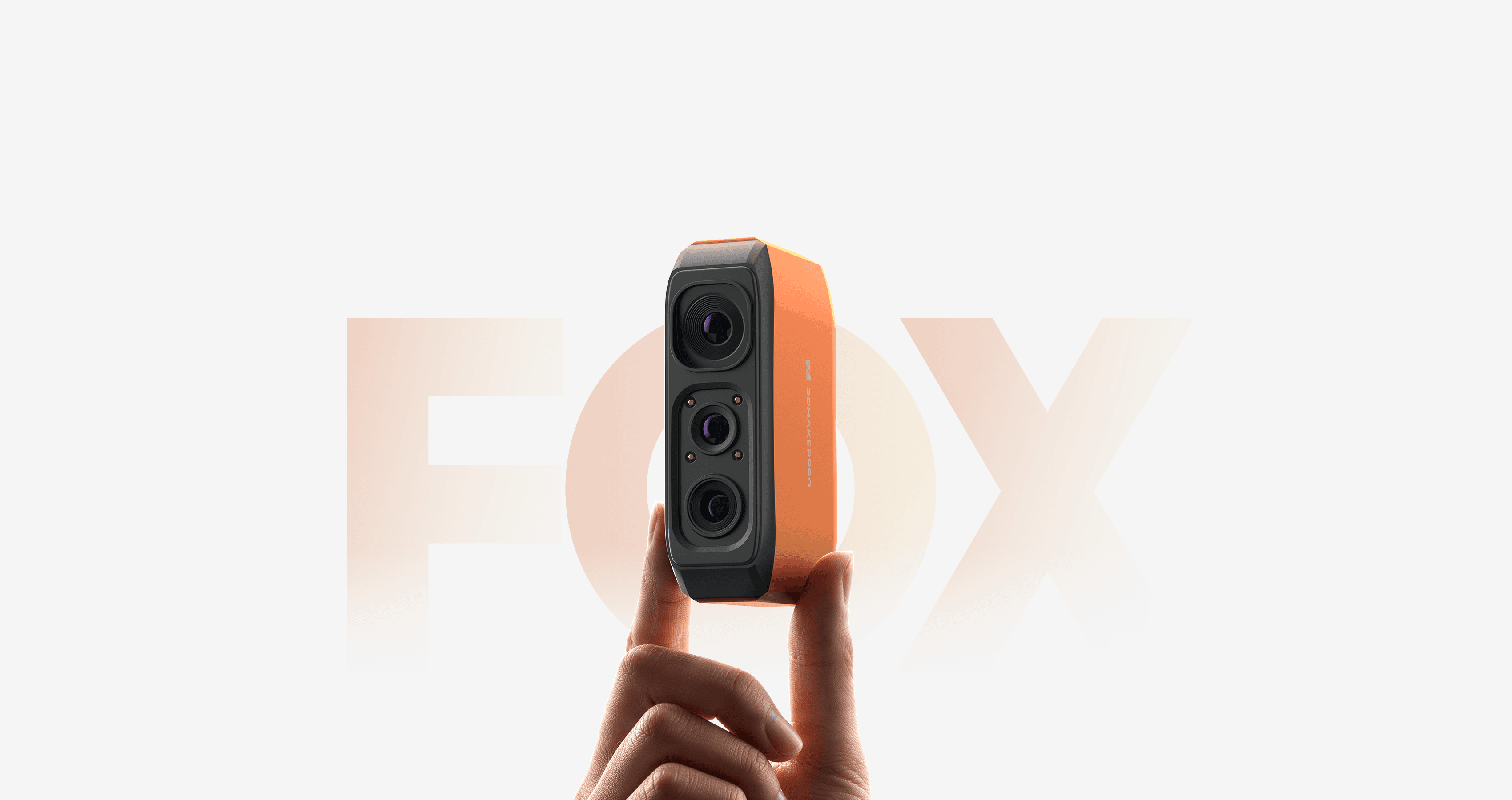
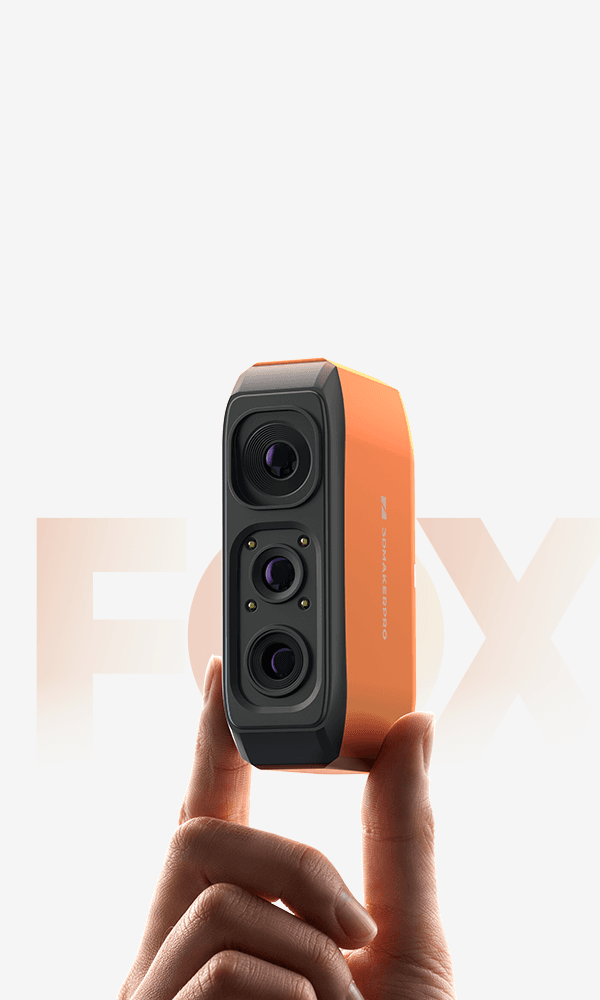
Pro-Grade 3D Scanning, Made Accessible. 0.07mm accuracy. Same proven software as Prusa's pro models. A beginner-friendly handheld 3D scanner, built for effortless 3D printing and quick modeling.
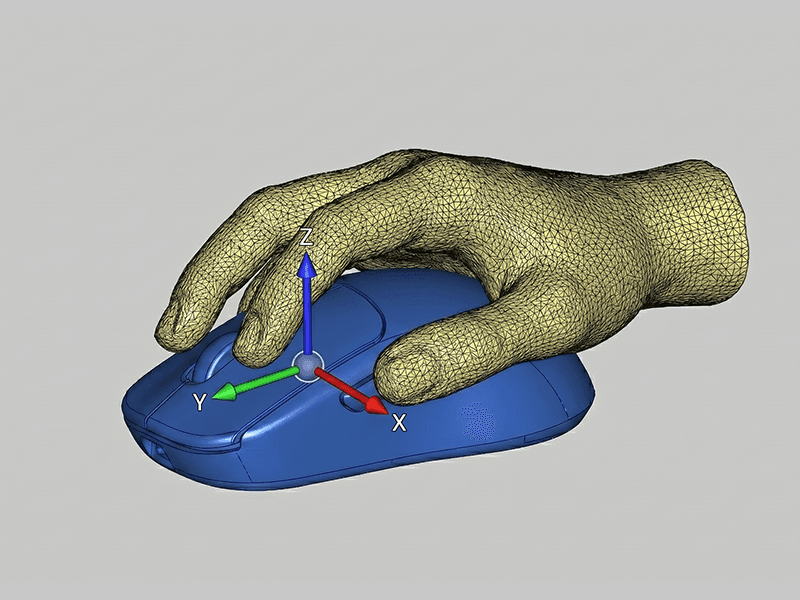
The most-scanned objects by 3DMakerpro users - Fox handles them all. Body & wearables Scan your hand, face, or body for custom grips, ergonomic fits, and one-of-a-kind custom 3D prints. Parts & prototyping From brackets to brake components, digitize metal parts in minutes for CAD modeling, reverse engineering, and 3D printing replacement parts. Shoes & soft goods Scan sneakers and soft materials with crisp geometry. Perfect for capturing digital assets, AR/VR models, and e-commerce 3D displays. Collectibles & figurines Preserve and replicate sculptures, toys, and display pieces with lifelike accuracy - perfect for 3D printed replicas and digital archiving.
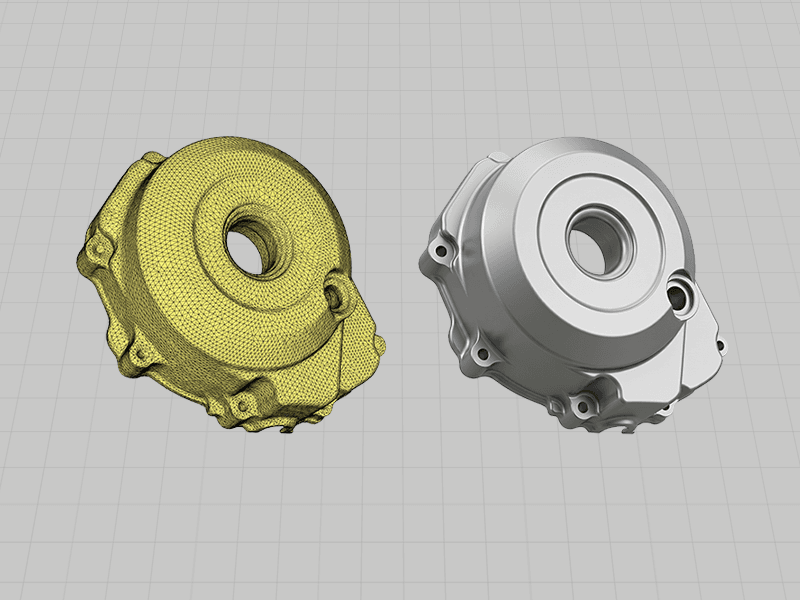
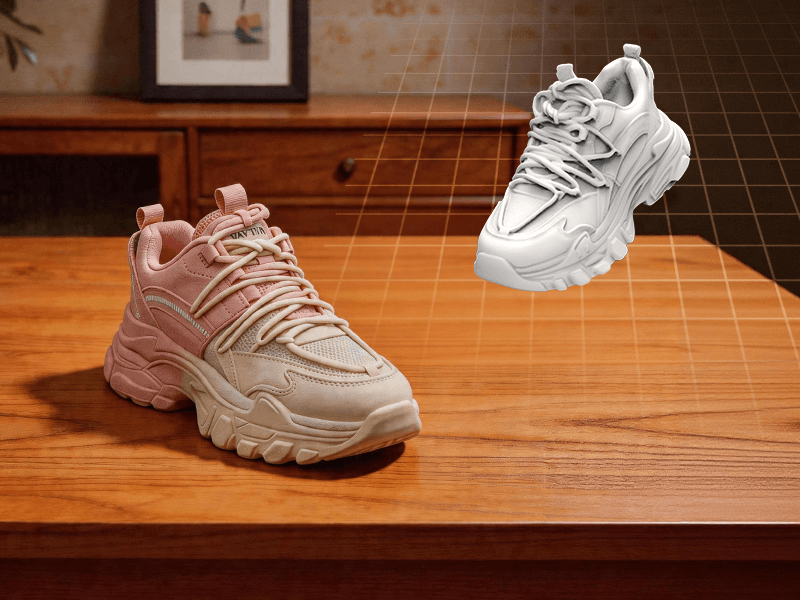
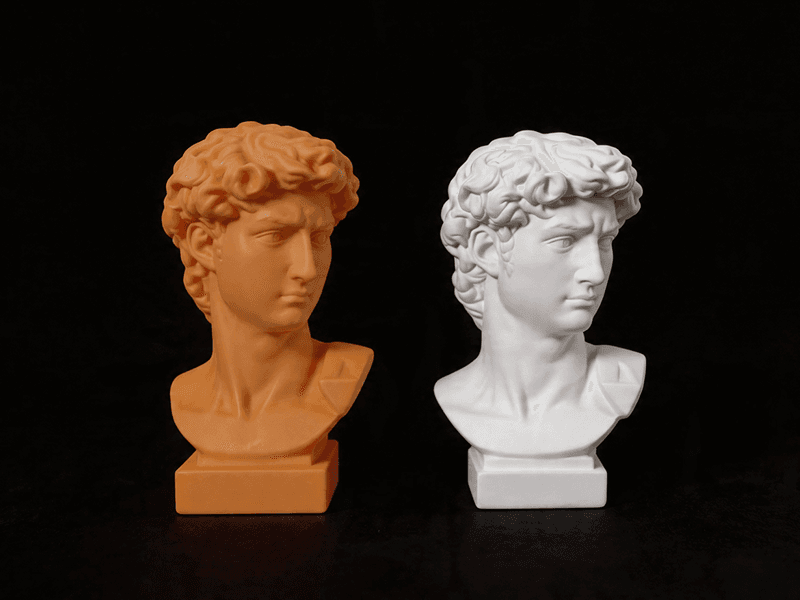
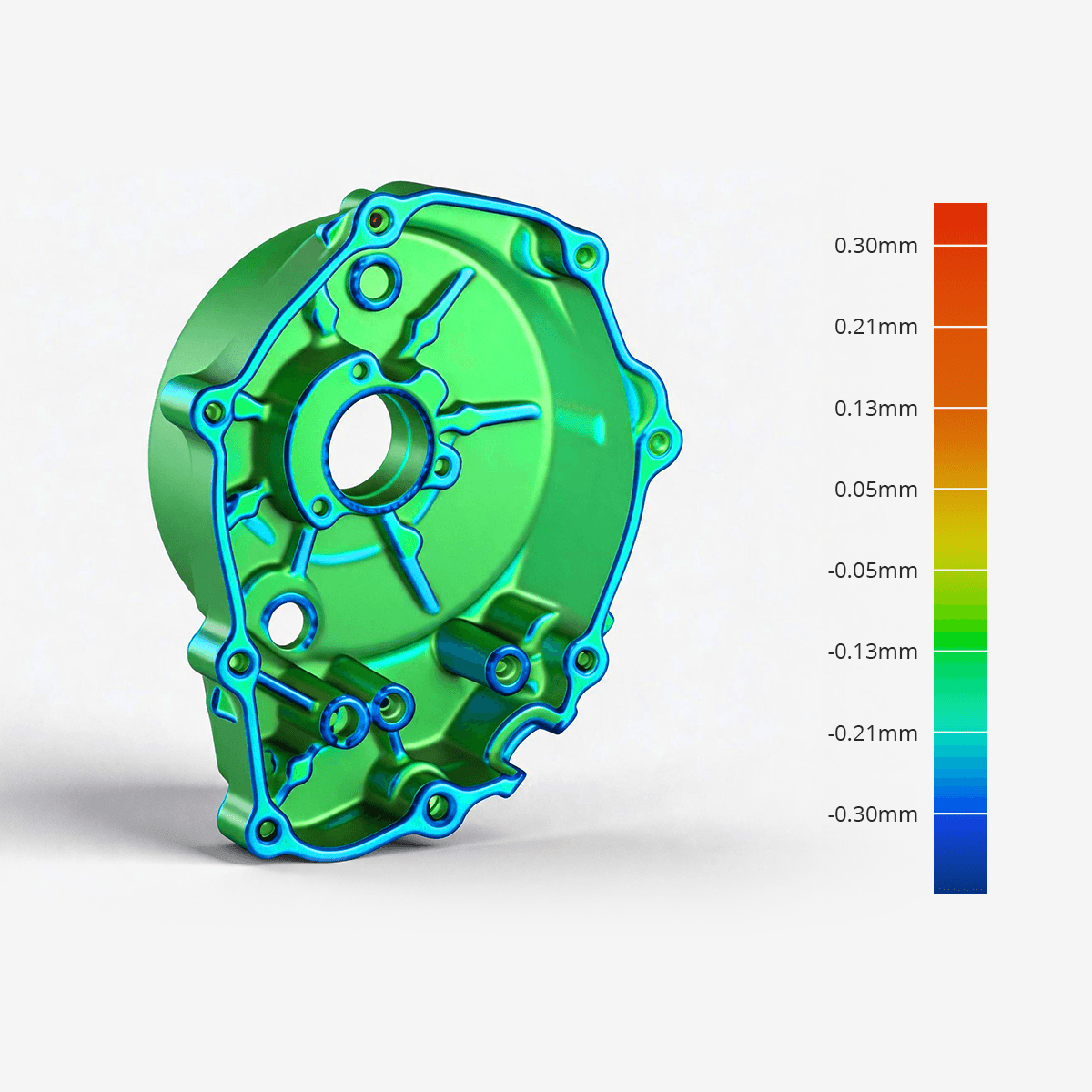
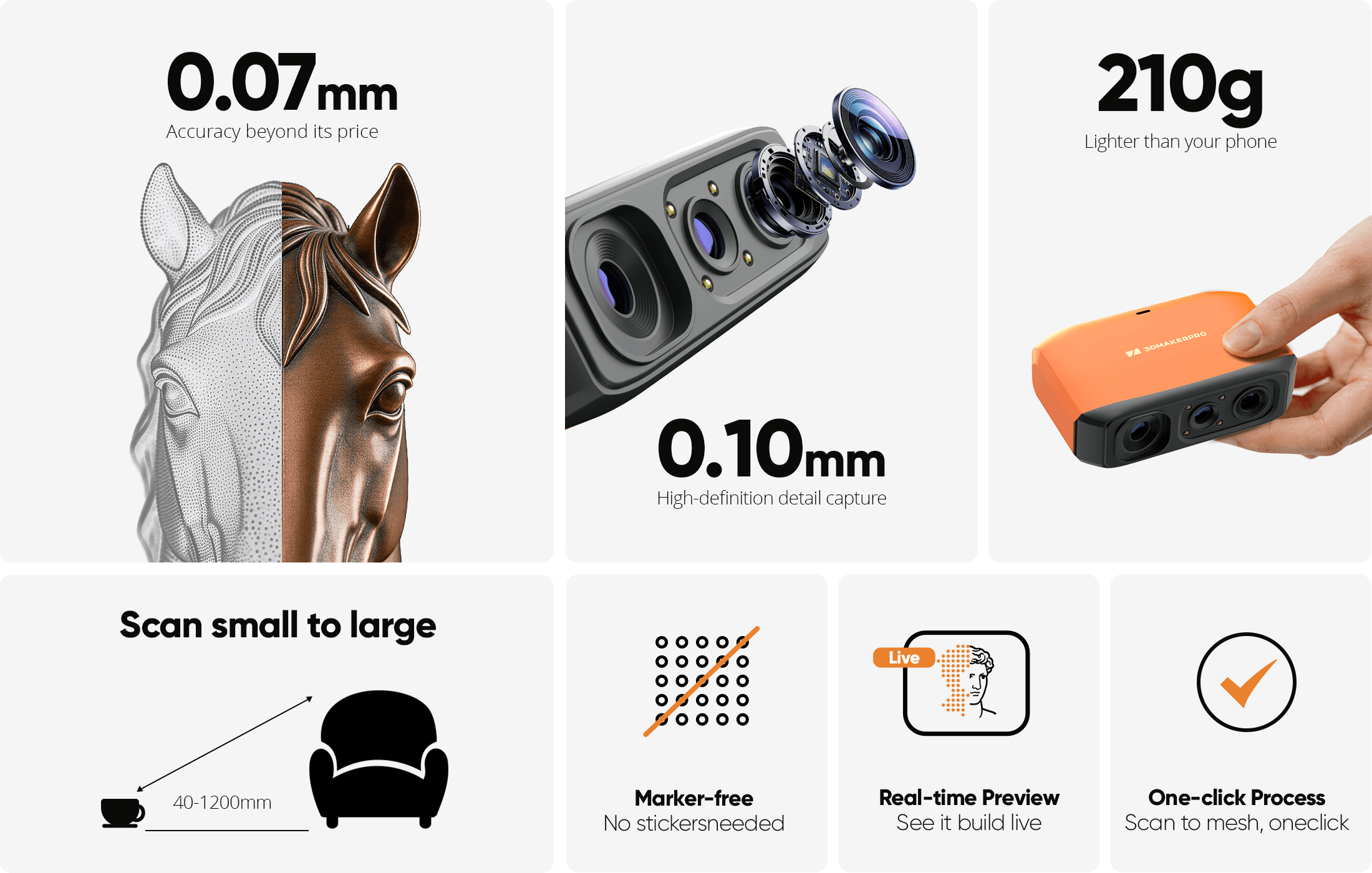
At 0.07mm accuracy and 0.10mm resolution, Fox outperforms typical entry-level scanners. It captures the kind of detail that makes your 3D scans truly useful - holding up under the closest scrutiny for effortless 3D printing, modeling, precise 3D measurement, and quality inspection. Accuracy - Fox vs. typical entry-level scanners Fox 0.07mm Others 0.10mm Resolution - Fox vs. typical entry-level scanners 0.16mm
The Fox scanner + JMStudio 3D scanning software handle the hard parts - so you don't have to. Built on the same proven ecosystem trusted by tens of thousands of 3DMakerpro users.
01 - REAL-TIME GUIDANCE No guessing. No blind scanning. JMStudio shows you a live 3D preview while you work, with on-screen indicators for distance and tracking status. First scan? The guided setup walks you through every step, making it the ultimate beginner-friendly 3D scanner. Real-time point cloud preview Live distance and tracking feedback Quick Start guide for first-time users 02 - SMART RECOVERY Lost tracking? Fox finds it again. Moved too fast during a handheld 3D scan? No problem. Fox's markerless AI feature recognition relocks onto your object in seconds. Just point the scanner back at the area you've already scanned - the software picks up where you left off. No need to start over. Markerless AI visual tracking and feature recognition Instant re-lock after tracking loss Continue your 3D scan seamlessly, no reset 03 - One-click processing Messy scan? One click to clean. After your scan, Prusa's beginner-friendly 3D scanning software, JMStudio, auto-corrects misaligned point clouds. Then, a single click runs the full processing pipeline - fusion, noise removal, and mesh simplification - to deliver a clean, 3D print-ready model. No manual cleanup. No expertise required. Auto point cloud alignment One-click mesh optimization (Low / Normal / High presets) Export directly to OBJ / STL / PLY / ASC 04 - Handle more surfaces, with less prep Less spray. Fewer failed scans. Matte dark surfaces. Brushed metals. Painted parts. Fox's NIR algorithm works well on everyday surfaces that typically require scanning spray, delivering a near spray-free 3D scanning experience. That means less prep time and more successful first attempts for common objects - from figurines for 3D printing to mechanical parts for reverse engineering. Good performance on matte dark and low-reflectance surfaces Less spray needed for many common objects Same proven NIR optical system across the 3DMakerpro lineup
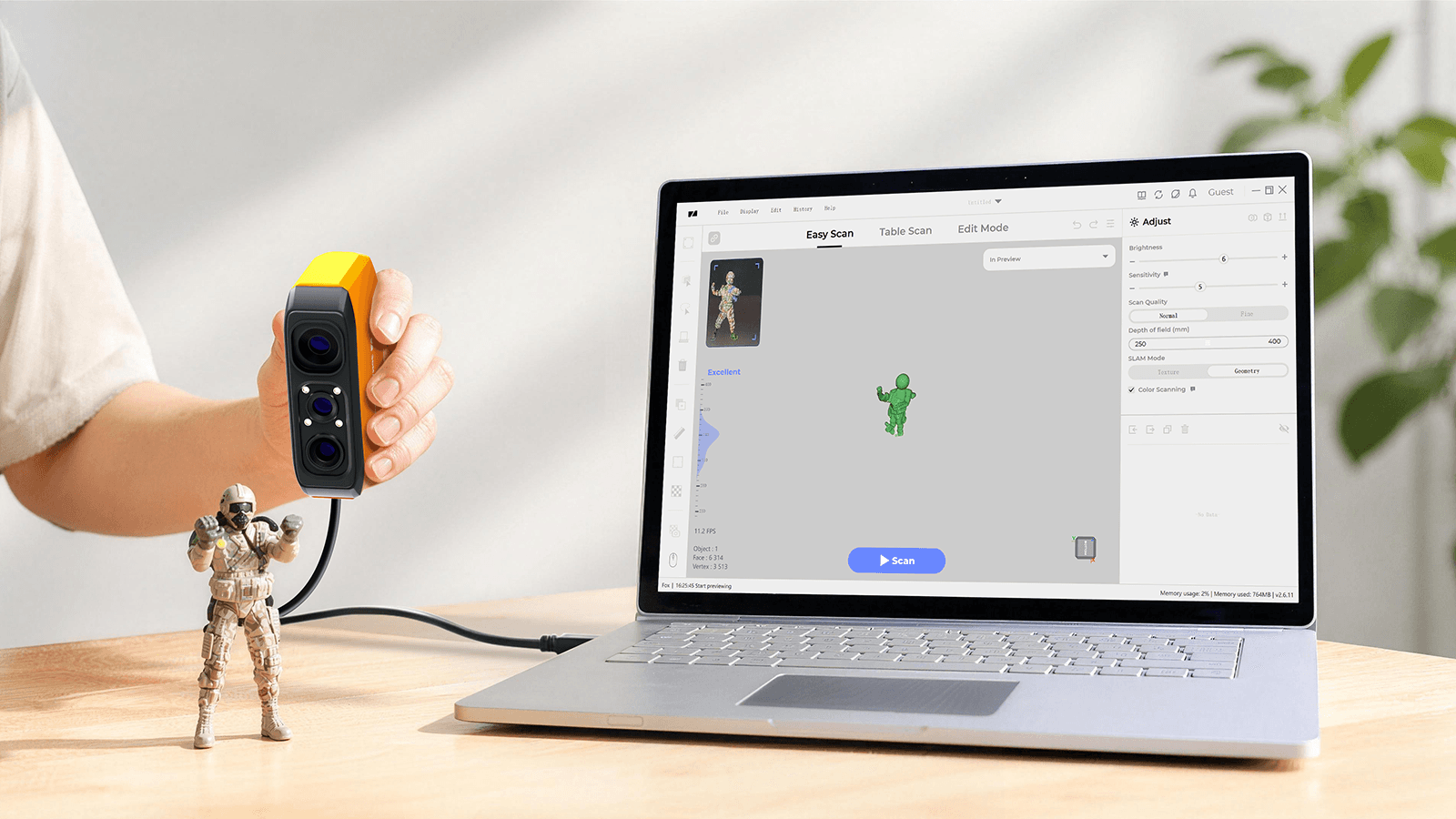
Ready in under 10 minutesUnbox. Plug in. Scan. No calibration board. No setup wizard maze. Plug the Fox handheld 3D scanner into your PC or Mac, open JMStudio, and the software auto-downloads your calibration file. You're scanning in under 10 minutes - making it the ultimate beginner-friendly 3D scanner. 1 Plug in USB to your PC or phone (Requires Smart Grip) 2 Auto-calibrate JMStudio handles it for you 3 Start scanning Guided workflow kicks in Capture on Windows 10/11 macOS 12/13 (M1/M2) Android 10+ iOS 15+ Process & export on macOS 12/13

From connection and calibration to optimization and export, JMStudio keeps your entire scanning workflow simple and guided. COMPATIBLE SOFTWAREJMStudio - Built for Your Scanner The exclusive 3D scanning software by 3DMakerpro. Real-time capture, one-click optimization, and seamless export to STL, OBJ, PLY & ASC formats. Real-Time Capture One-Click Optimize STL / OBJ / PLY / ASC Export Free with every scanner
0.07mm
0.10mm
200 × 100mm
40 – 1,200mm
10 fps
210g
115 × 70 × 35mm
NIR (Near-Infrared)
Mono textures
150 – 400mm
USB 2.0
OBJ / STL / PLY / ASC
Windows 10/11 64bit, macOS 12/13
i5 8th, 16GB RAM, MX250 2GB
i7 8th, 16GB RAM, RTX 3060 4GB
Smart Grip (sold separately)
The details that matter
Manufacturer figures, with plain-English notes where useful.
20 specifications
Objects from 40mm to 1,200mm - shoes, figurines, mechanical parts, hands/faces, sculptures, and more. Transparent or highly reflective surfaces benefit from a light coat of scanning spray. Very small (under 40mm) or very large (over 1,200mm) objects aren't ideal.
Yes. 0.07mm accuracy means the dimensional error of your scan is smaller than what most FDM printers can reproduce. For resin printers with finer detail capability, Fox's 0.10mm resolution ensures the scan captures enough surface detail. In most cases, the printer is the bottleneck - not the scan.
Yes. Thanks to the advanced NIR light source, the Fox excels at capturing matte, dark-colored surfaces that are typically difficult for scanners. Overall, its performance is well-balanced and powerful enough to handle most everyday scanning tasks with ease.
Yes. With the free JMStudio app (Android 10+/iOS 15+) and the Smart Grip accessory, you can scan anywhere without being tethered to a wall outlet or PC. This setup uses lightweight cables to connect all devices. Please note that mobile is for data capture only - think of your phone as the camera; your PC serves as the "darkroom" for all processing, editing, and exporting.
No. All 3DMakerpro scanners, including Fox, use the free JMStudio software. There are no hidden fees or subscriptions for scanning or processing. You can find comprehensive tutorials on the Prusa website, and Prusa will be releasing even more dedicated Fox-specific guides soon.
Don’t worry, the Fox is a beginner-friendly 3D scanner. Most first-time users get the hang of it in under 10 minutes. You just need to keep the scanner within the ideal working distance (150–400mm) - the on-screen guide will provide real-time distance alerts to help you stay on track. Plus, with Prusa's "Smart Resume" feature and upcoming expanded product guides, you’re well supported. Prusa is here to help you every step of your 3D scanning journey!
Both the Fox and Moose Lite are powered by the same NIR light source, share the same 200x100mm single-capture range and 0.10mm resolution, and maintain the same device compatibility.The differences are in precision, weight, and aesthetics: the Fox is designed in a vibrant orange, weighs 210g, and provides 0.07mm accuracy; the Moose Lite features a classic grey finish, weighs 250g, and delivers a higher precision of 0.05mm.If you are a beginner seeking the best balance of portability, cost-efficiency, and fashionable design, the Fox is your ideal choice. If your work requires that extra level of detail and stricter dimensional accuracy, the Moose Lite is the recommended upgrade.
Not for the actual scanning or processing. Your scan data is stored locally on your device, ensuring complete privacy. An internet connection is only necessary if you choose to log into your account, download software updates, or transfer scanned files from your mobile device to your PC. If you prefer to stay offline, you can simply use the "Guest" mode to complete the process.
Yes. Once you export your scan as an STL file, it can be imported directly into any standard slicing software for 3D printing. No extra conversion steps are required
You are in full control! If you are scanning an object with intended hollows or holes (such as lattice structures or multi-part assemblies), simply turn off the "Repair Gaps" feature in the processing options. You can also use Prusa's manual mesh editing tools to refine the model exactly how you want it.
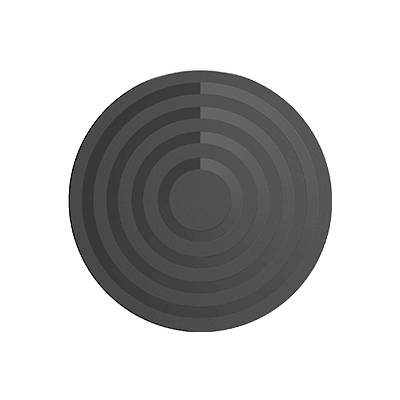
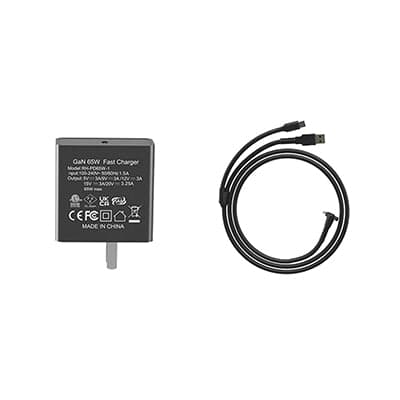
Fox scanner, GaN 65W fast charger, USB cable, manual turntable, and calibration board. Everything to start scanning on your desk right away.
Ask about compatibility, the right configuration, or delivery for this product.
In stock3DMakerpro
The details make the difference. Check the fit before you order.
3 options available
From £5,471.24
 Out of stock
3DMakerpro
The details make the difference. Check the fit before you order.
3 options available
From £493.24
 Out of stock
3DMakerpro
The details make the difference. Check the fit before you order.
18 options available
From £348.84
 In stock
3DMakerpro
The details make the difference. Check the fit before you order.
£371.64
£500 to go for free delivery
£500 inc. VATYour cart is empty
Add a printer, materials or spares and they will appear here.